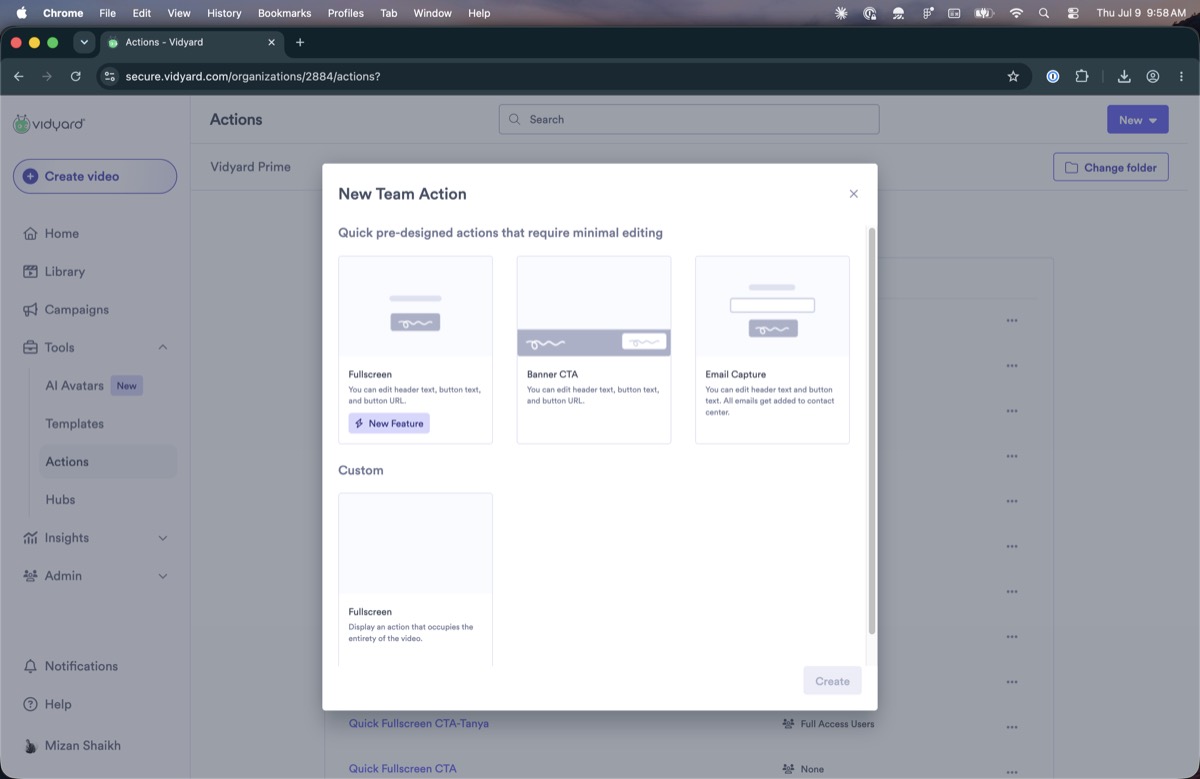
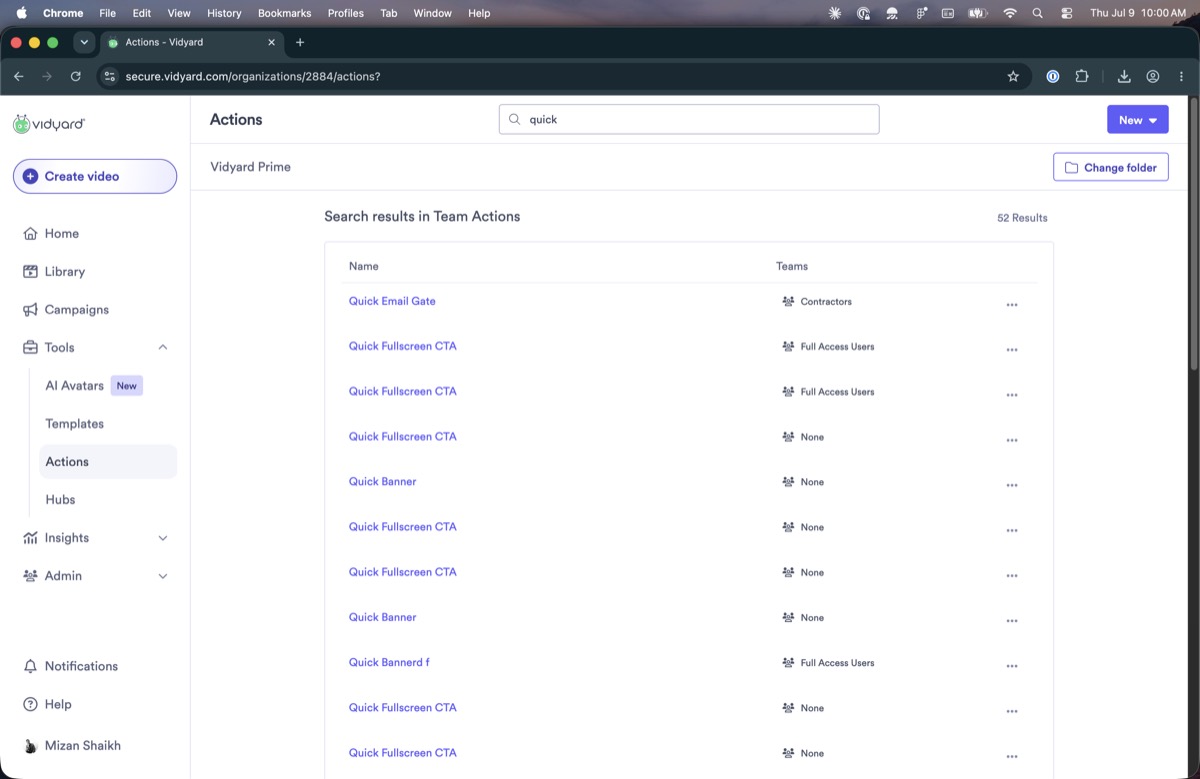
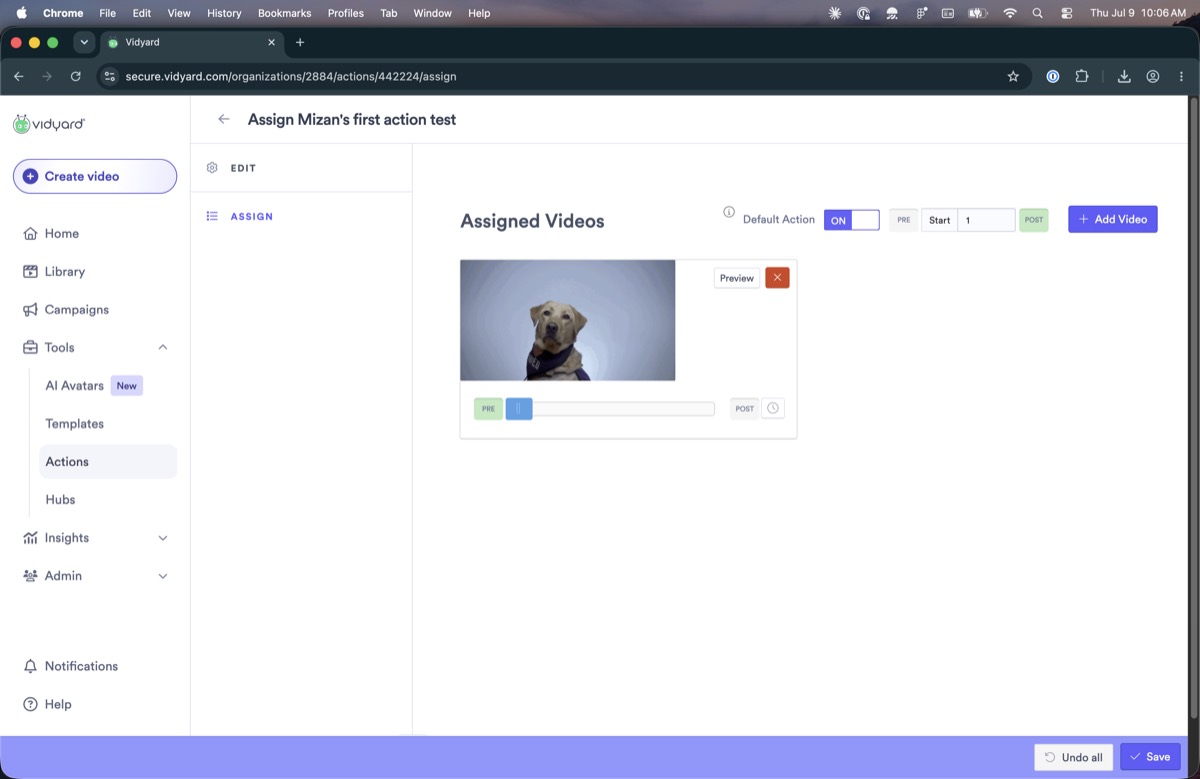
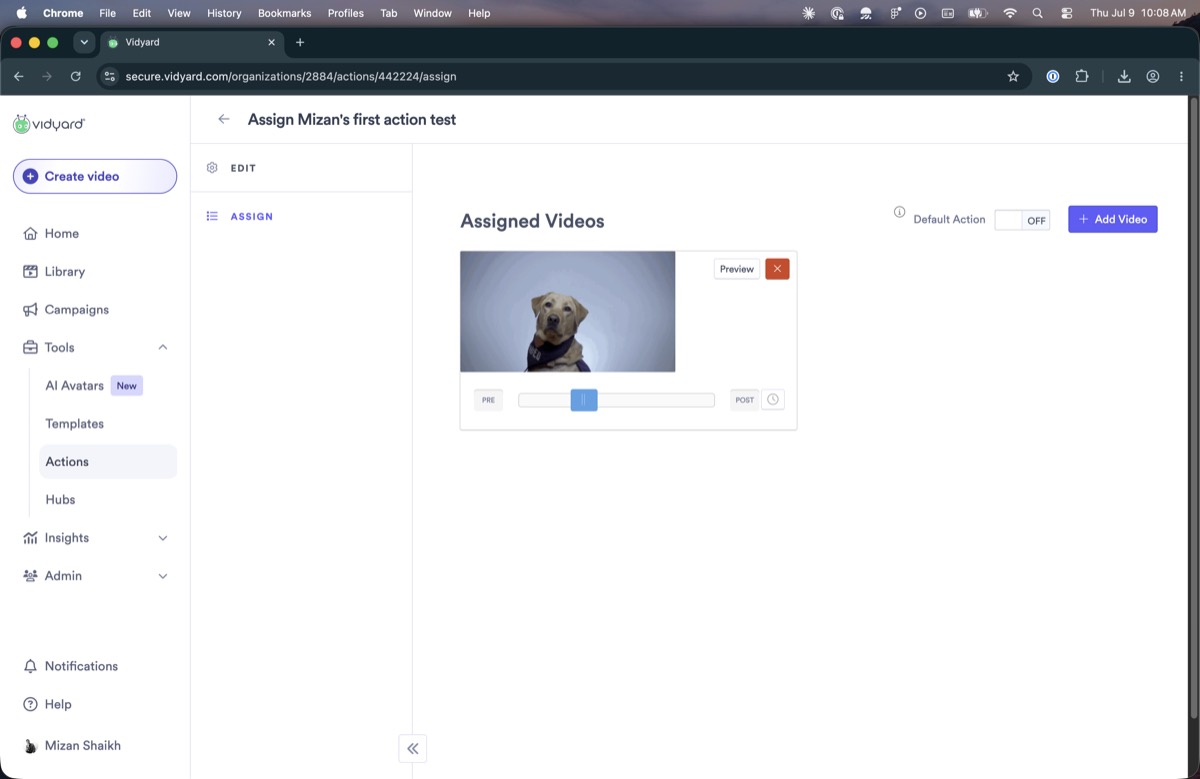
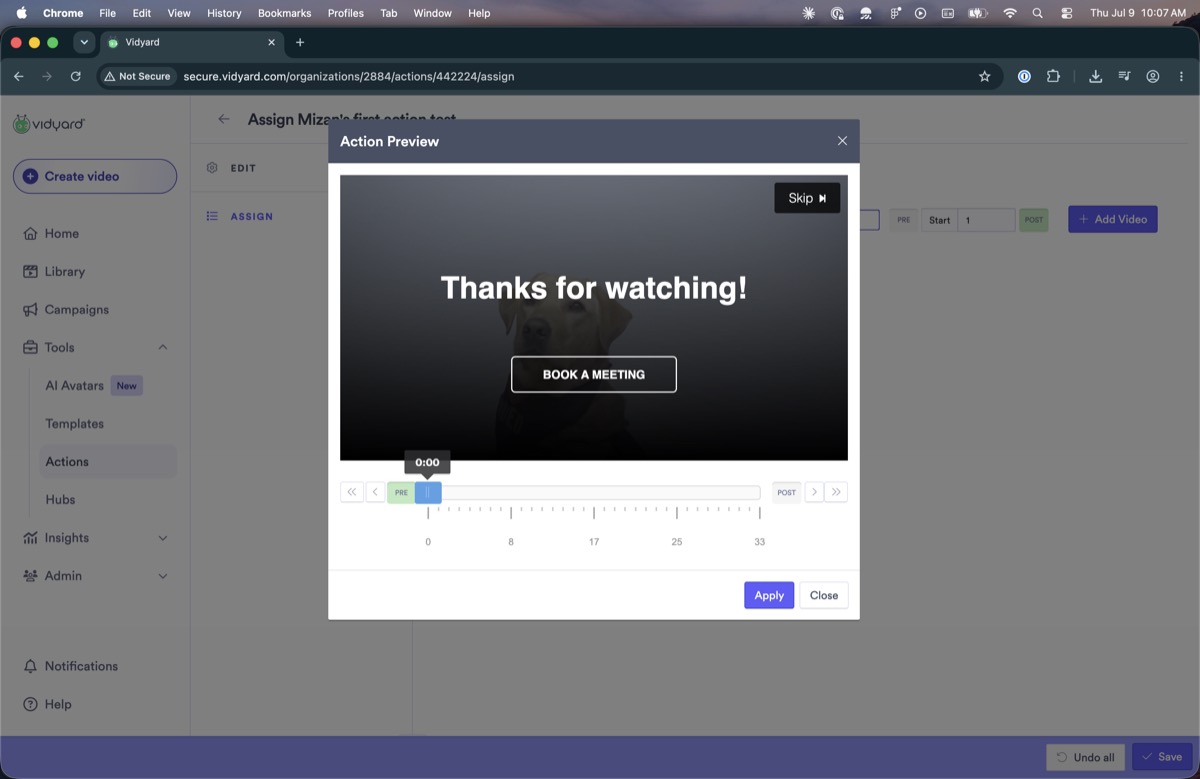
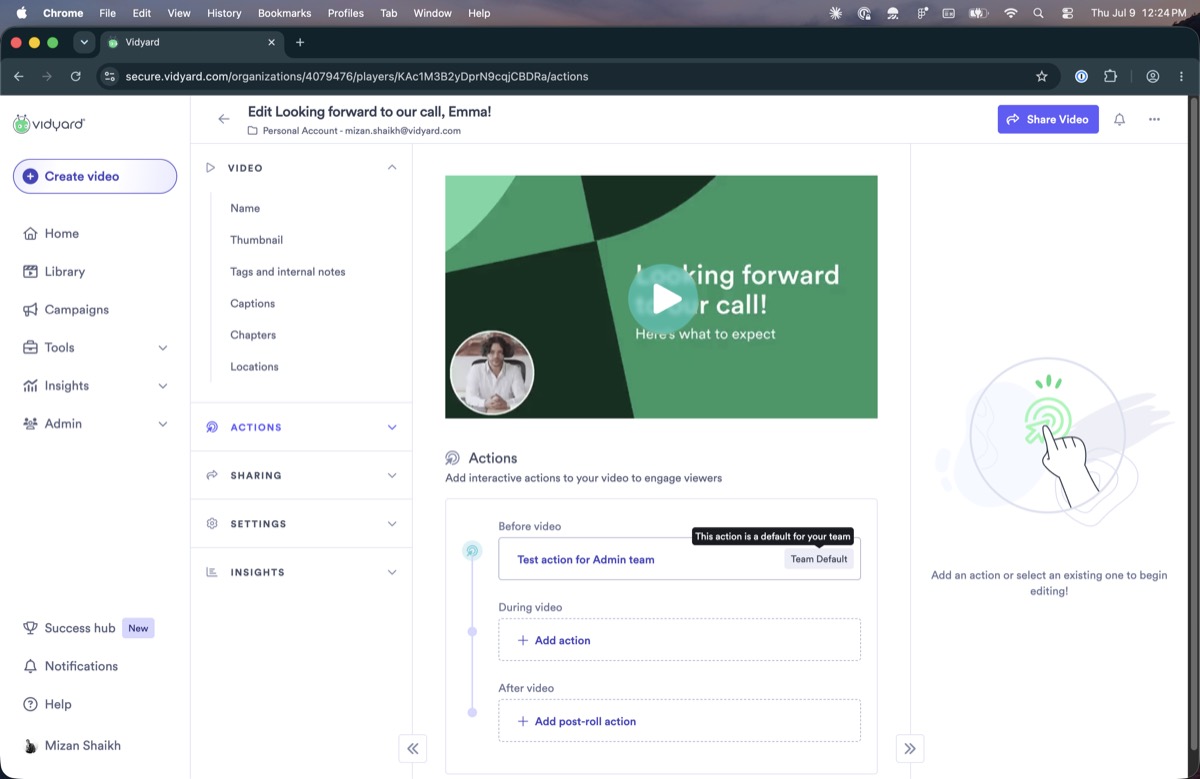
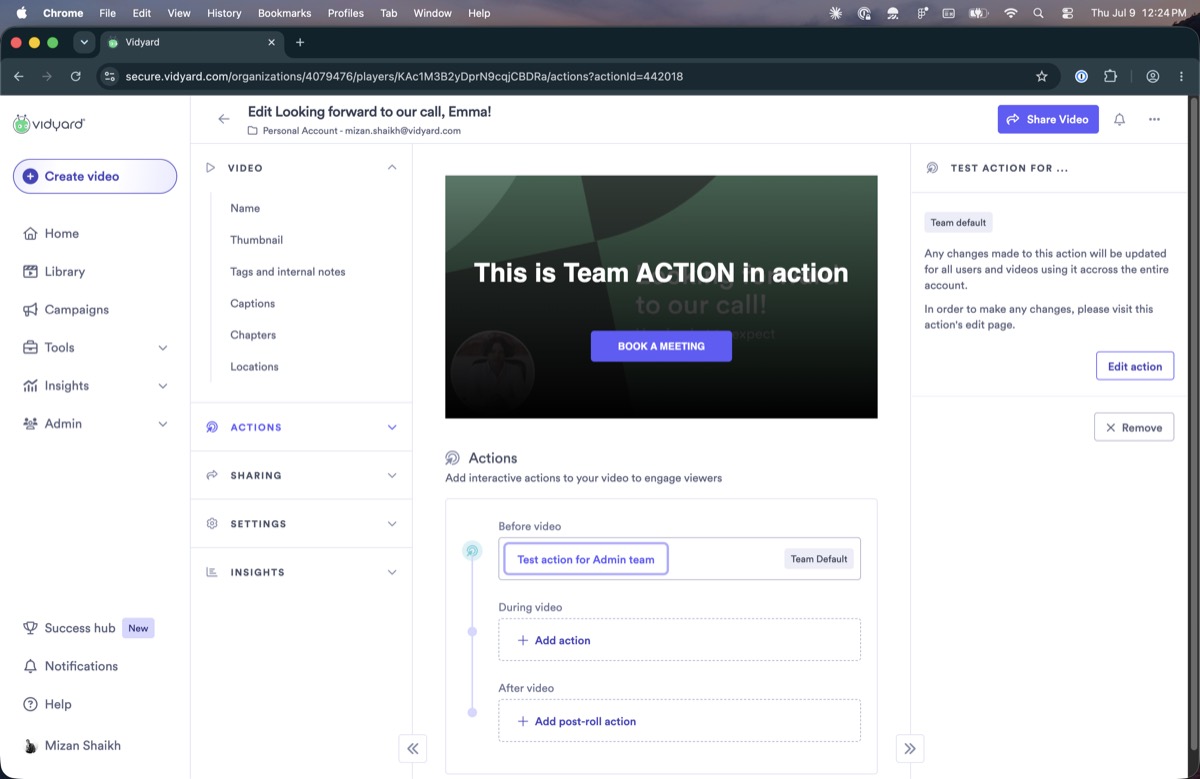
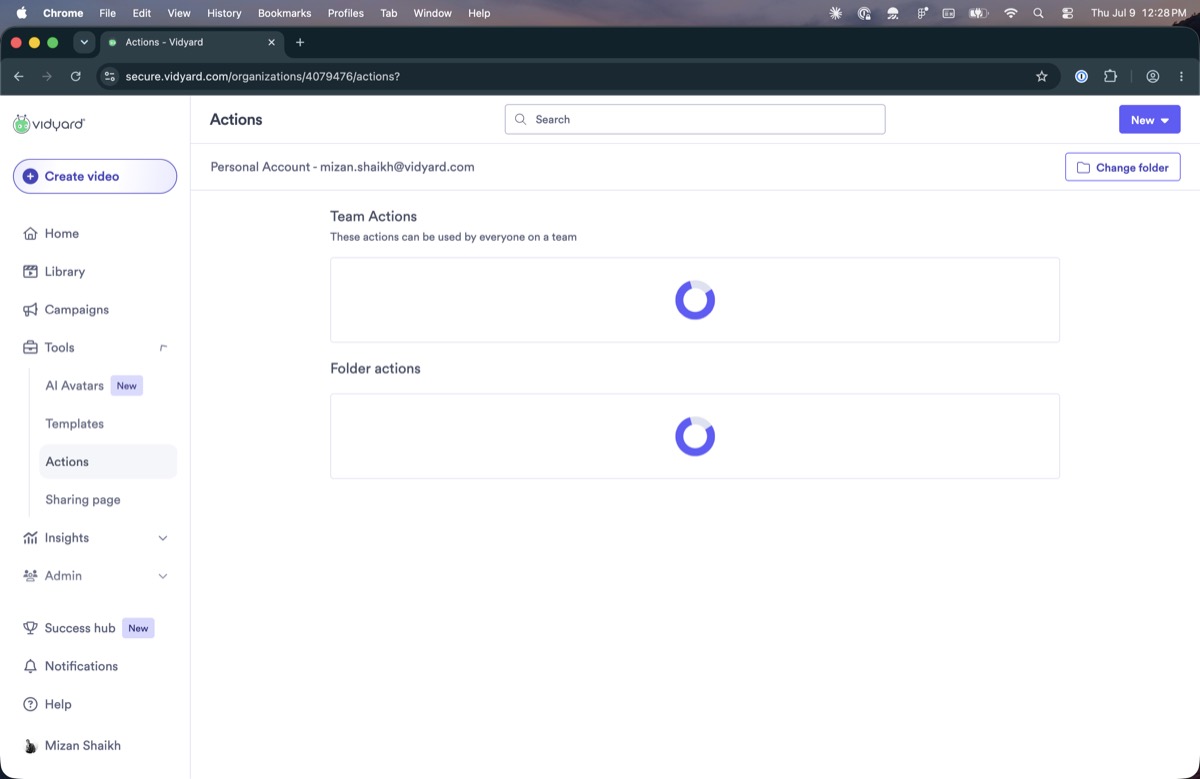
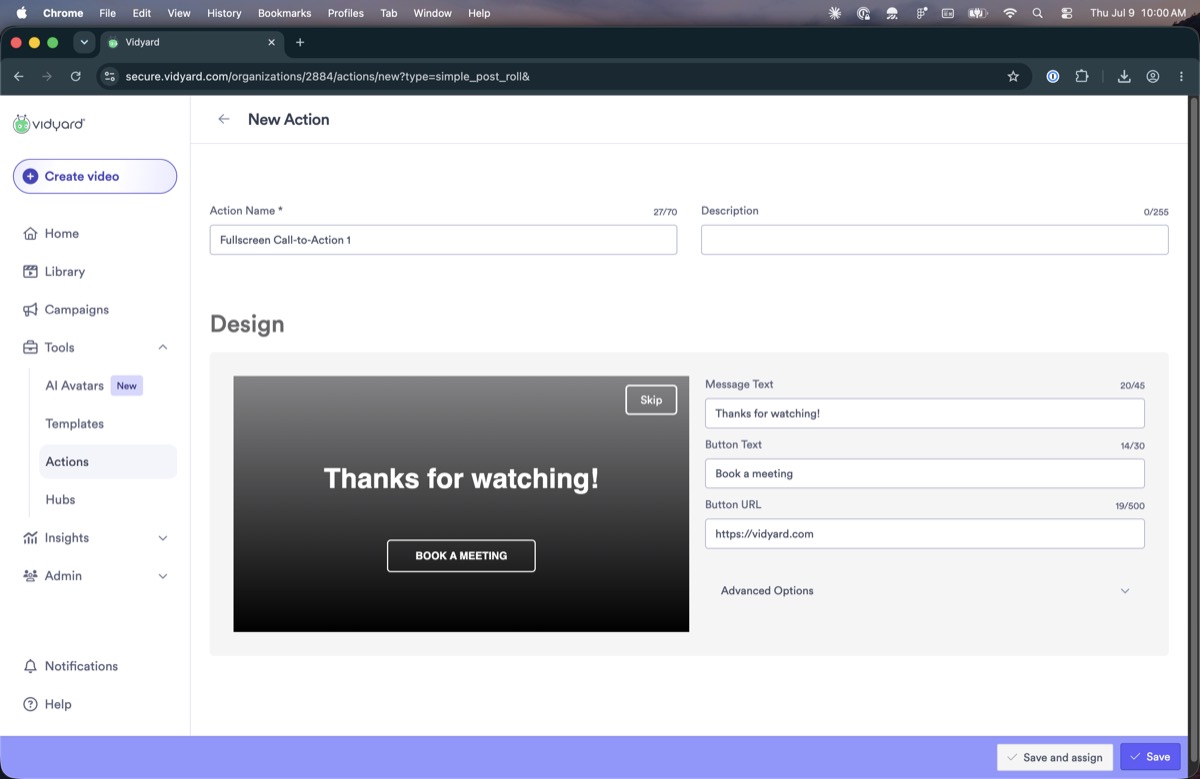
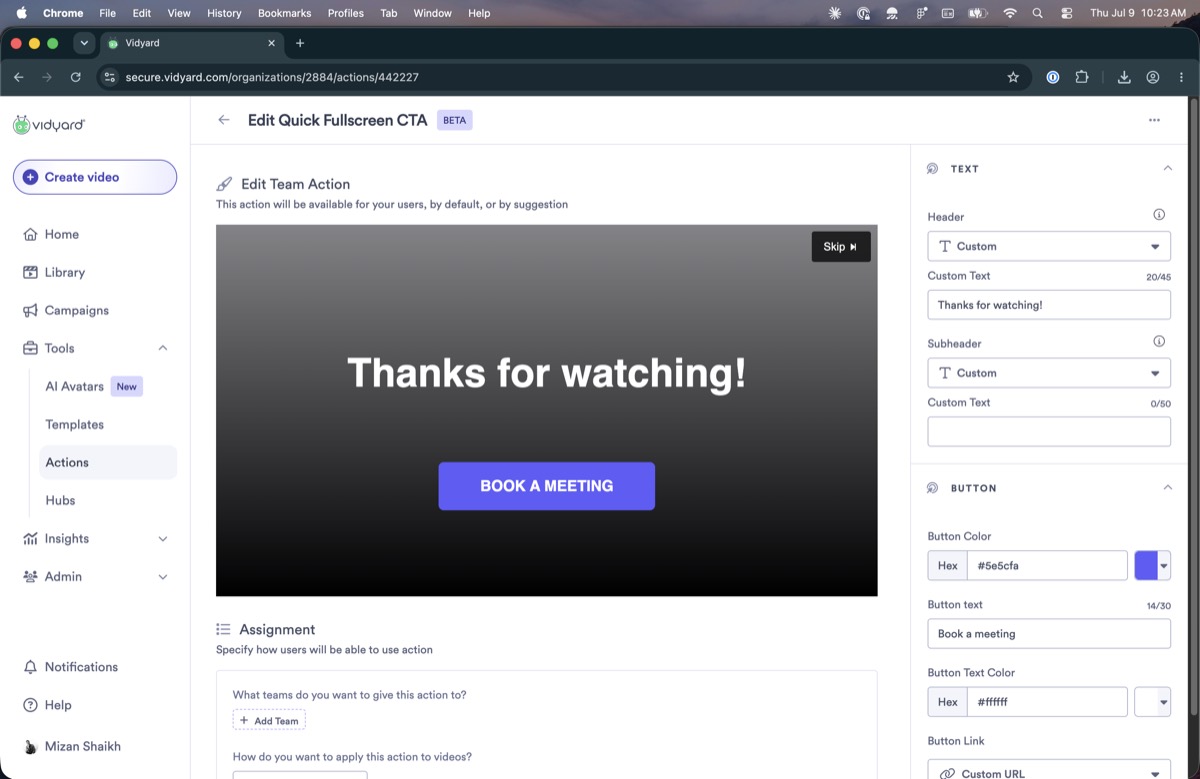
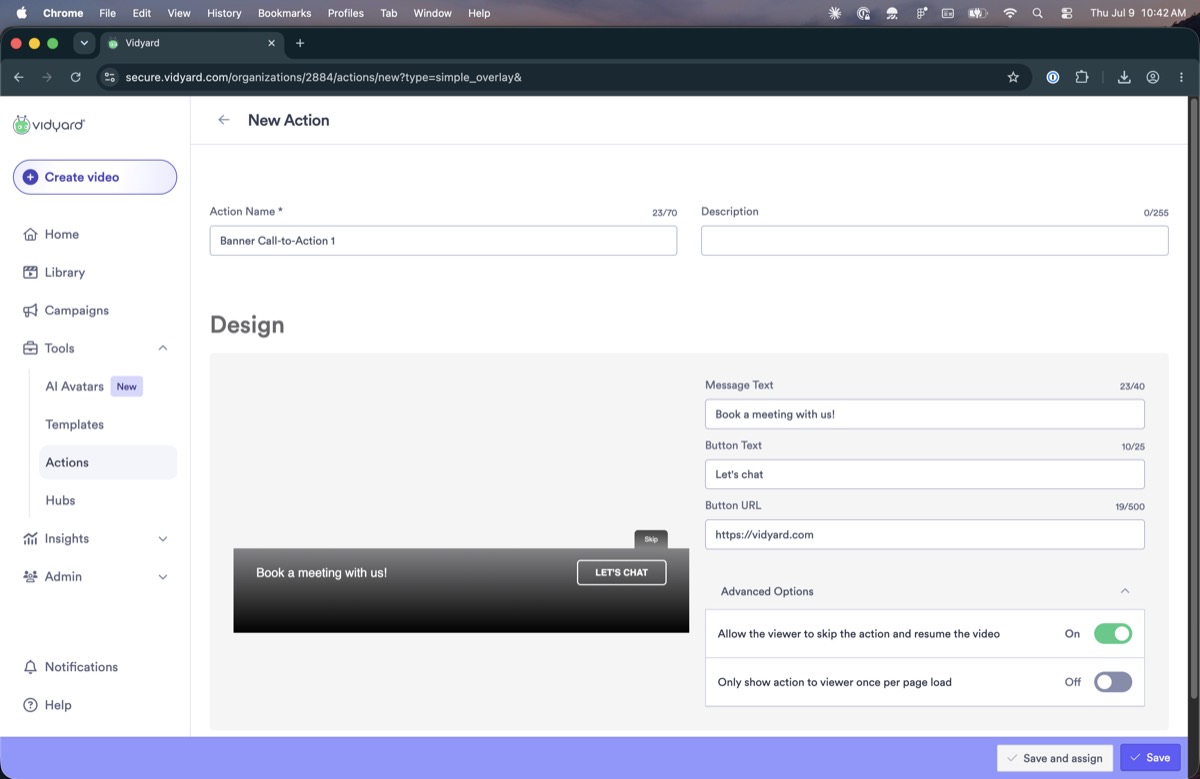
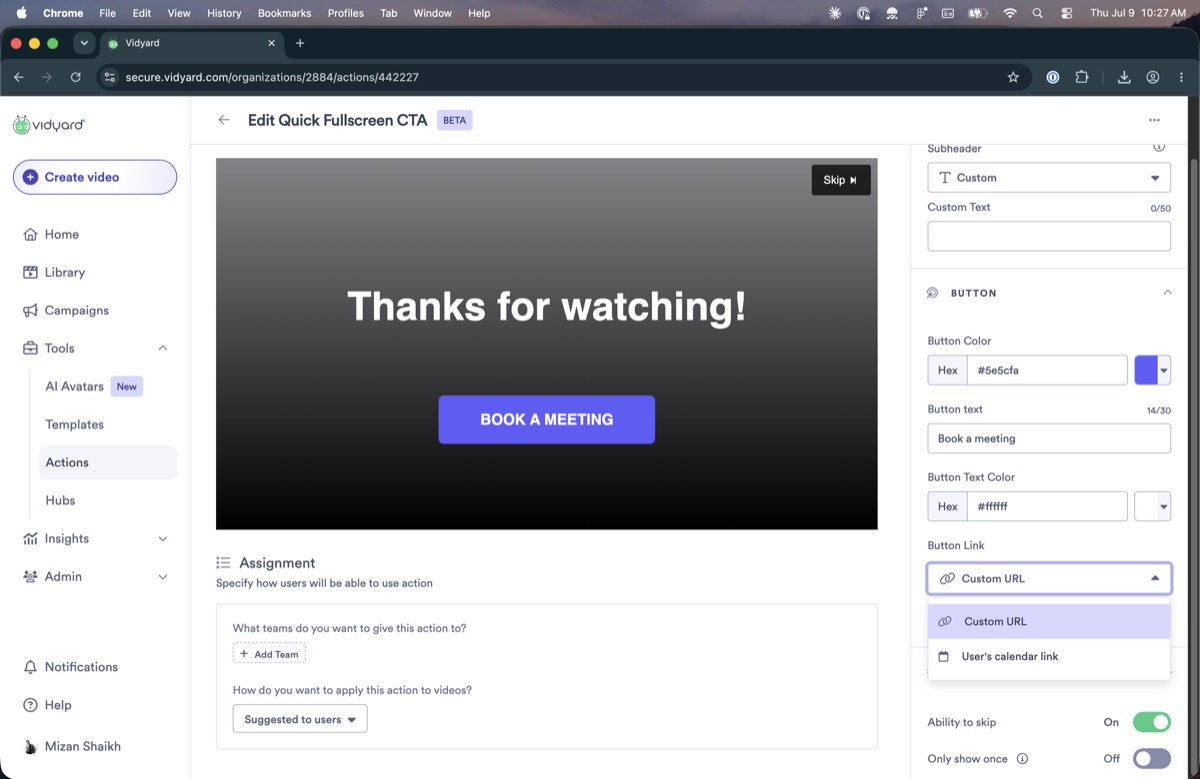
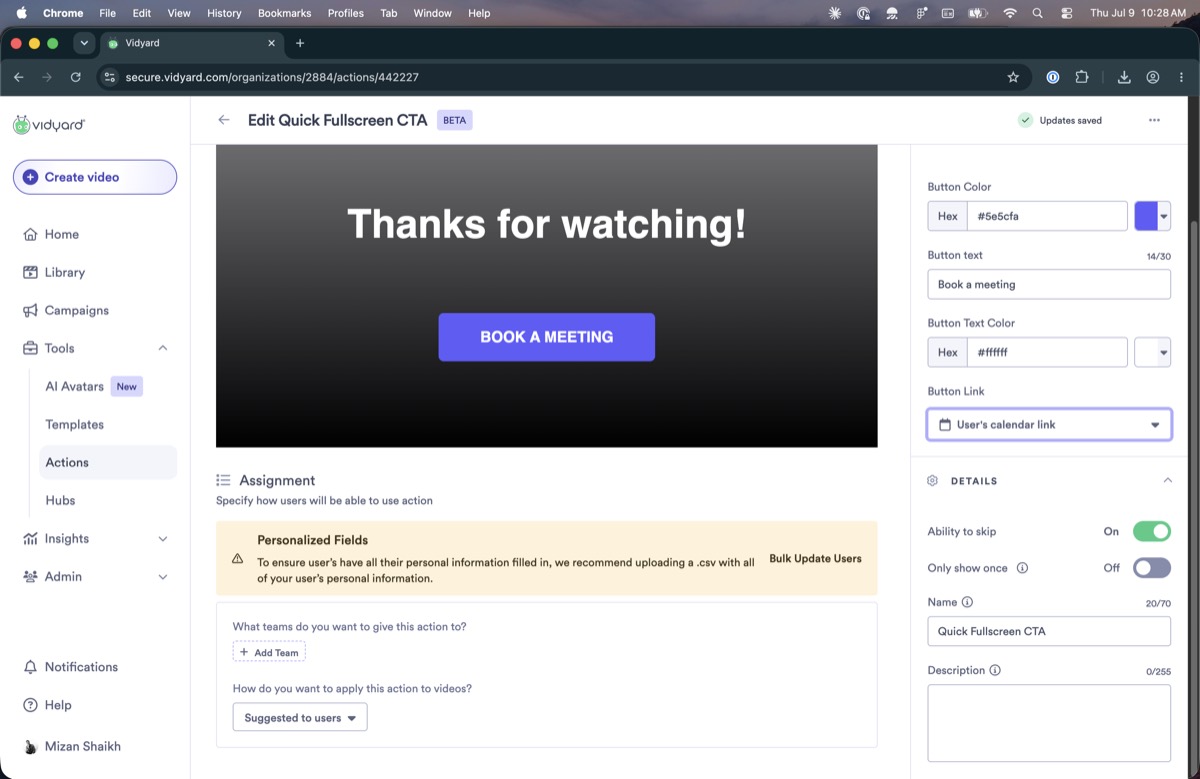
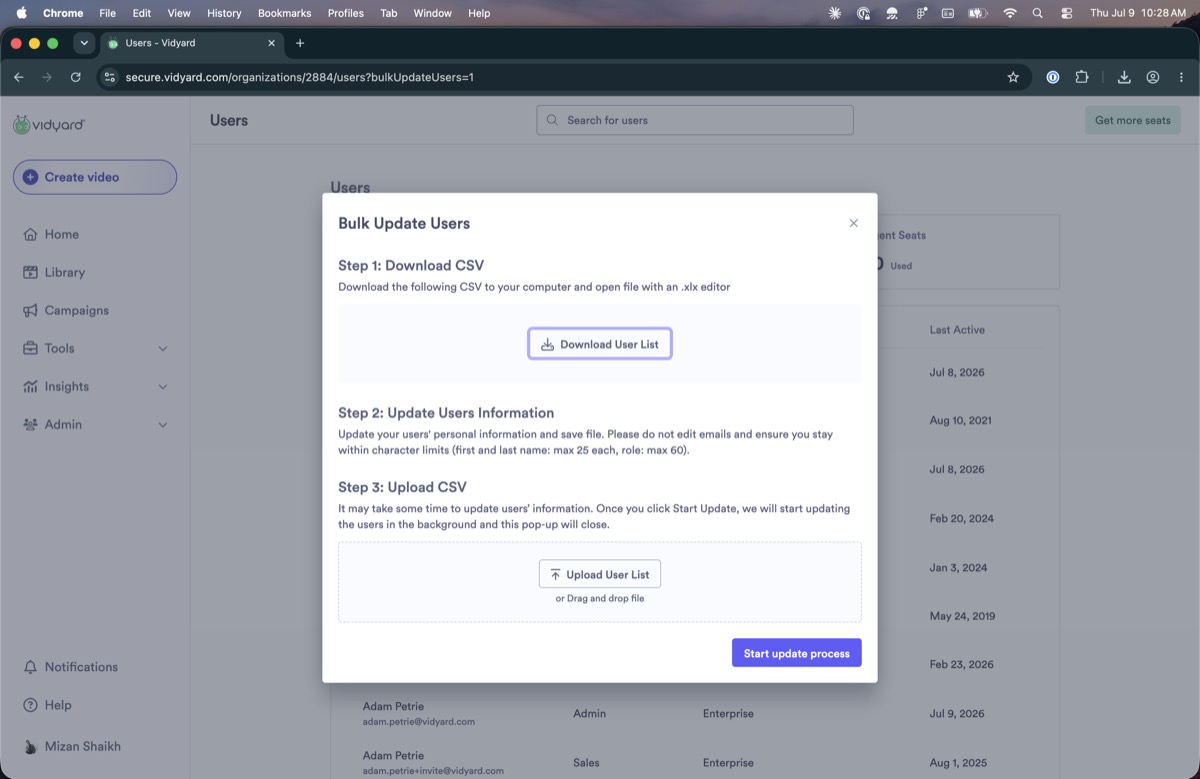
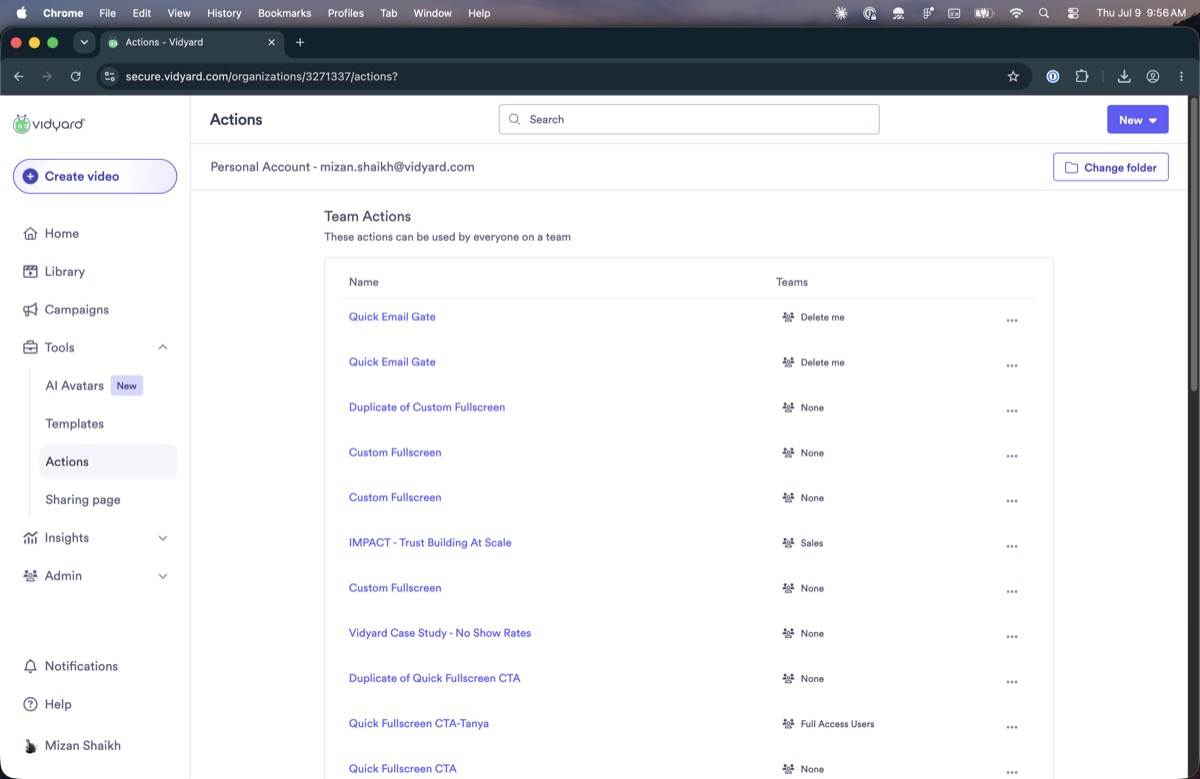
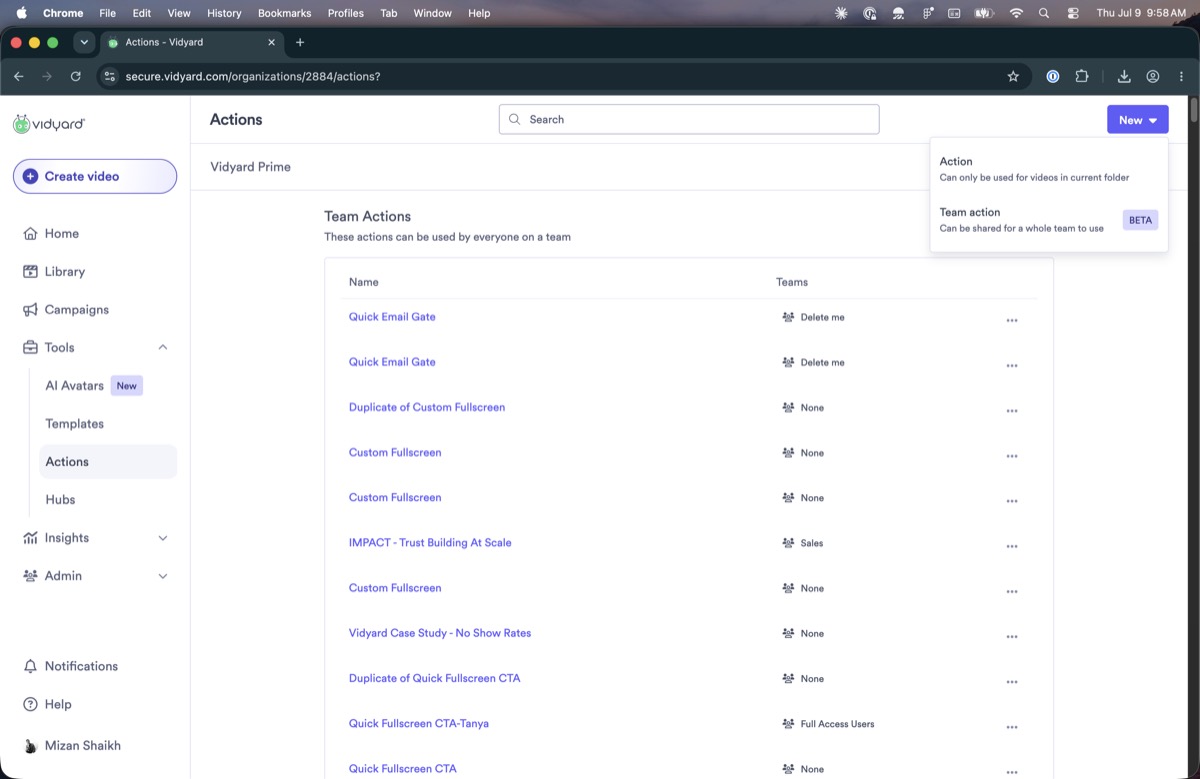
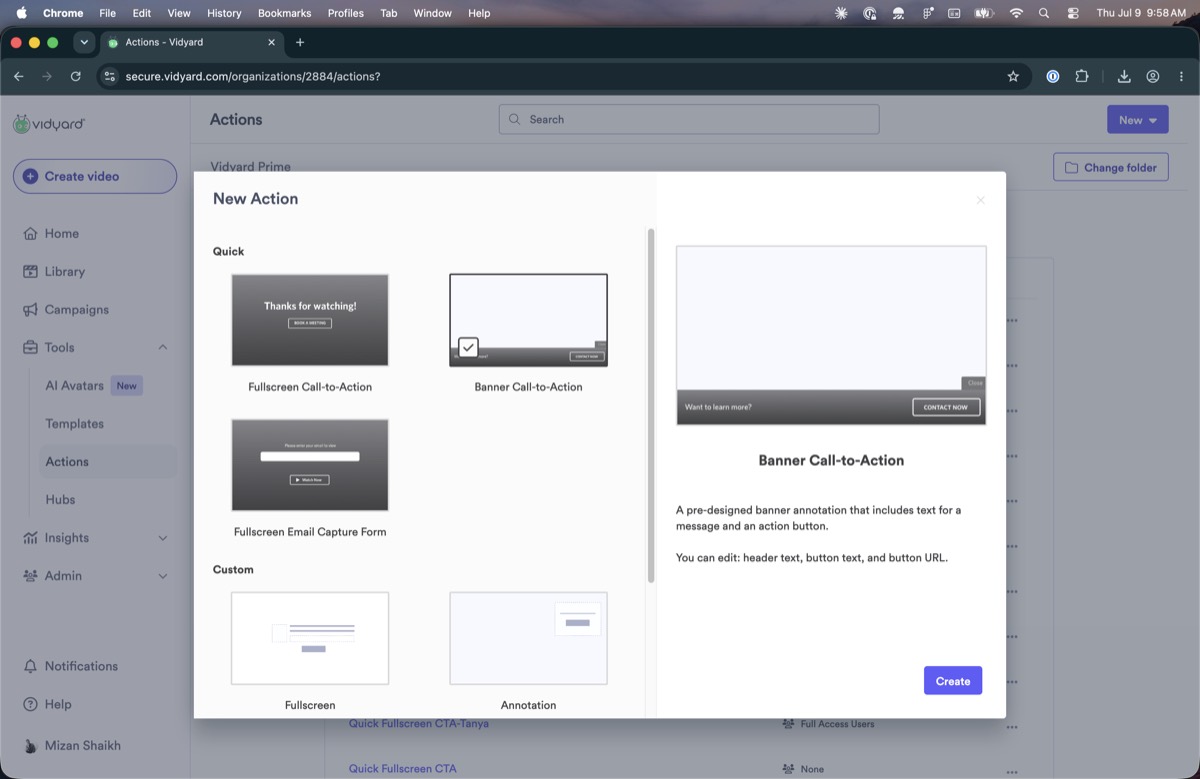
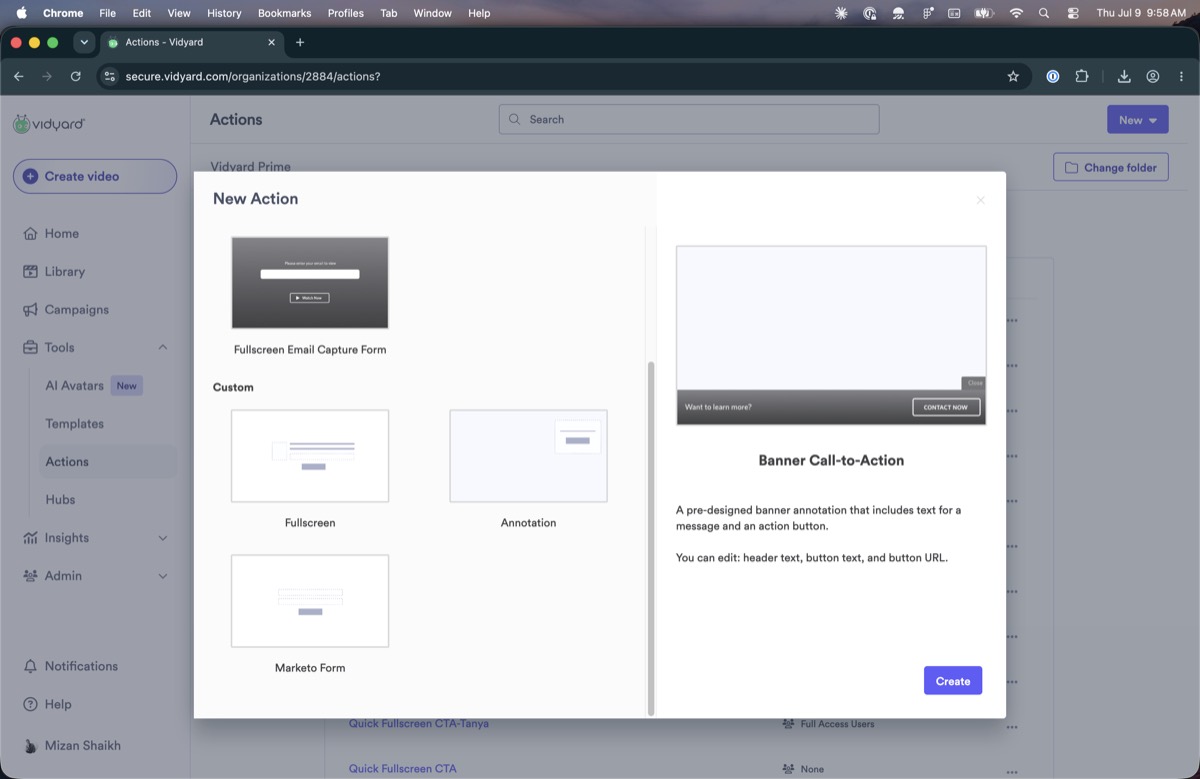
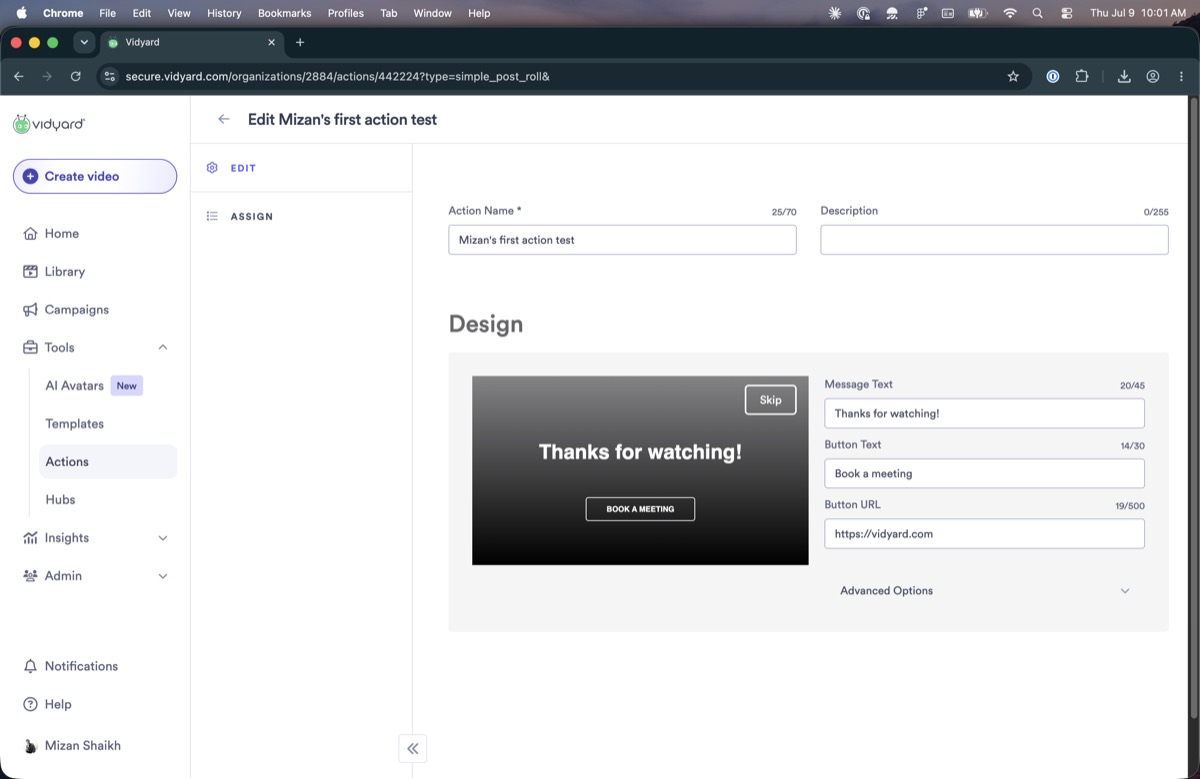
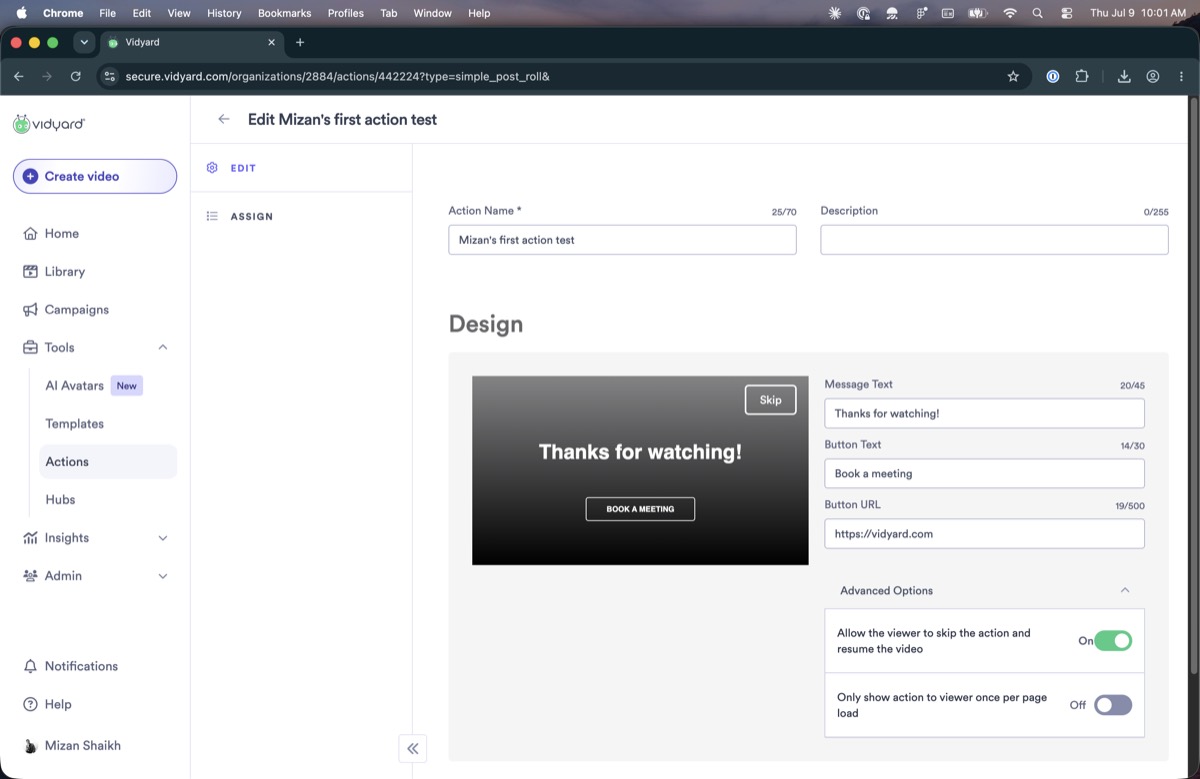
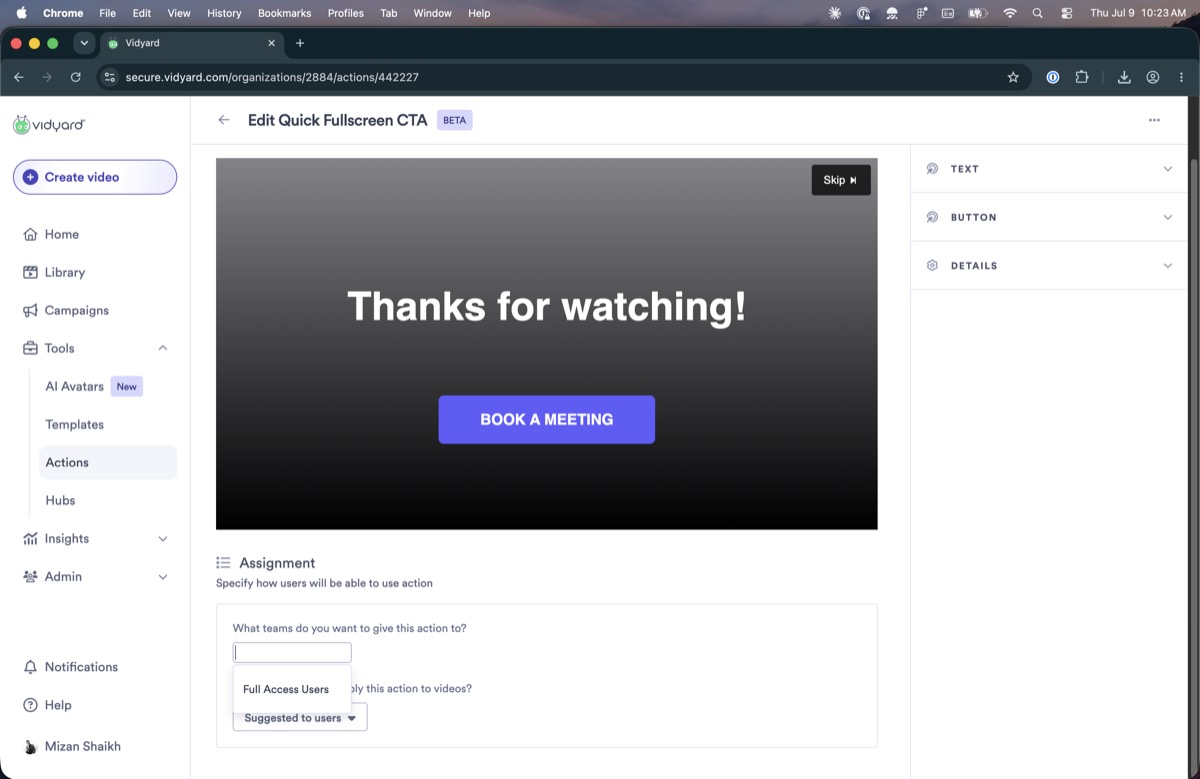
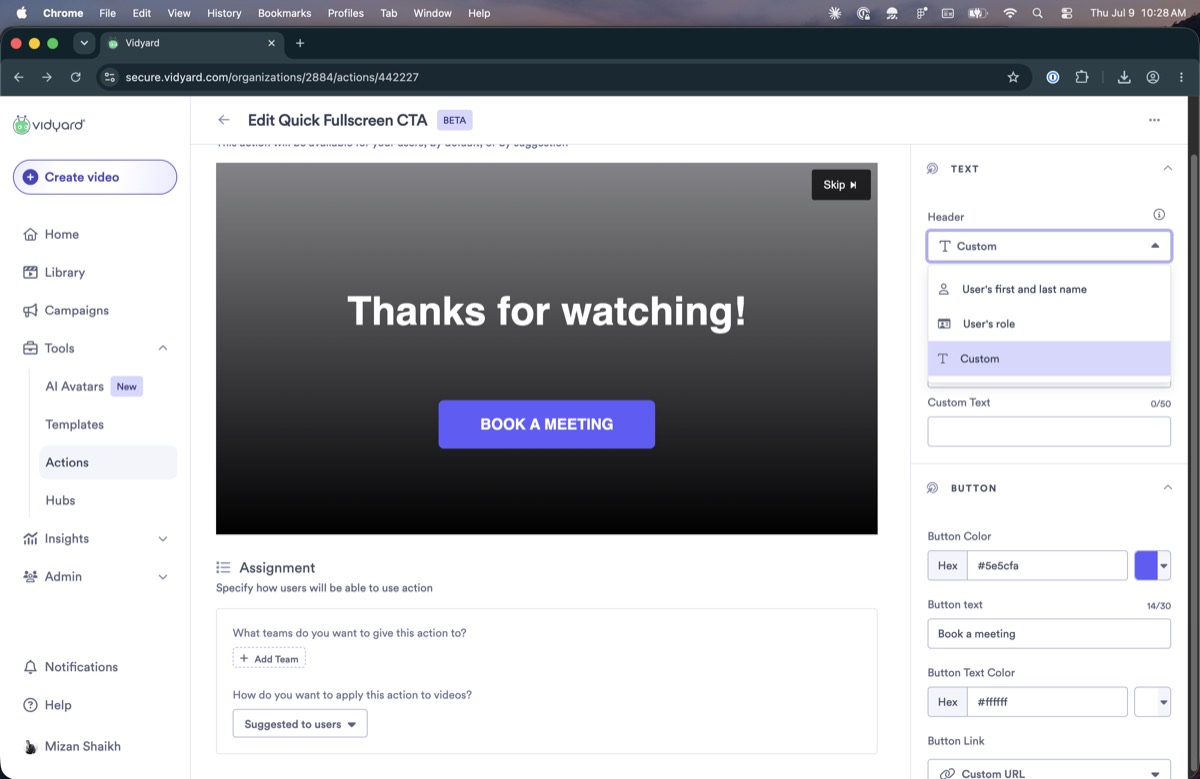
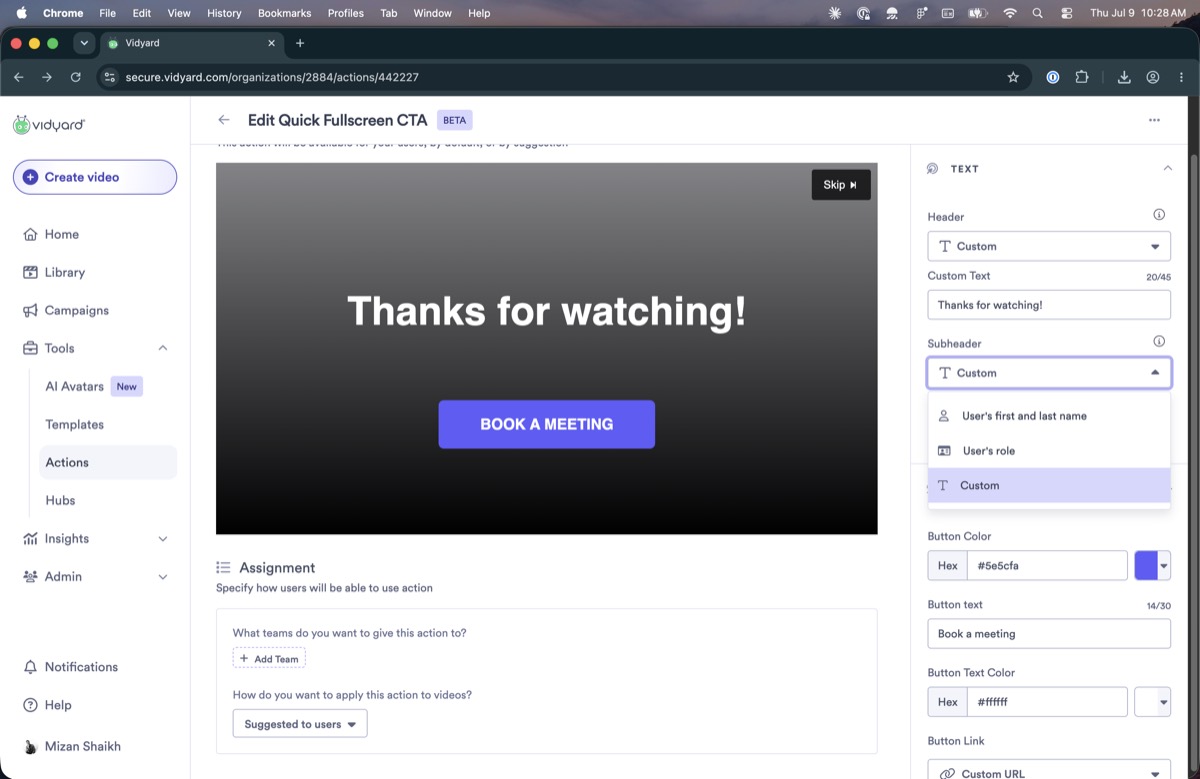
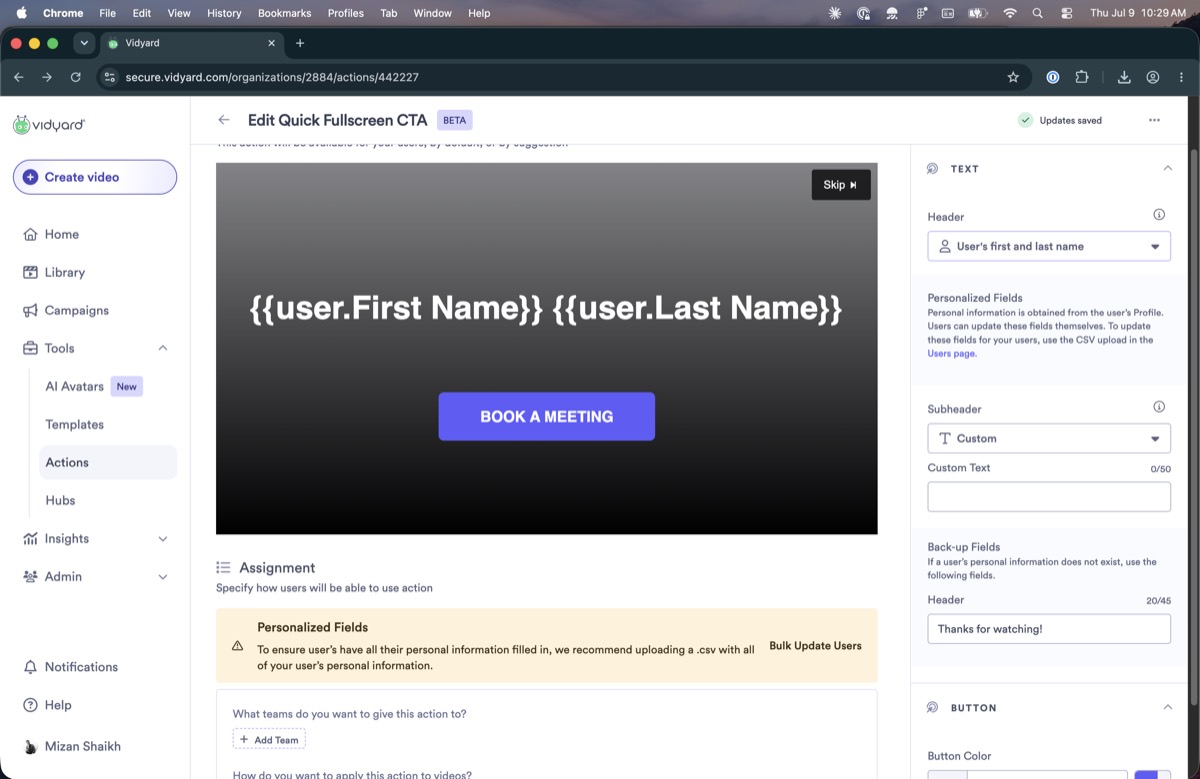
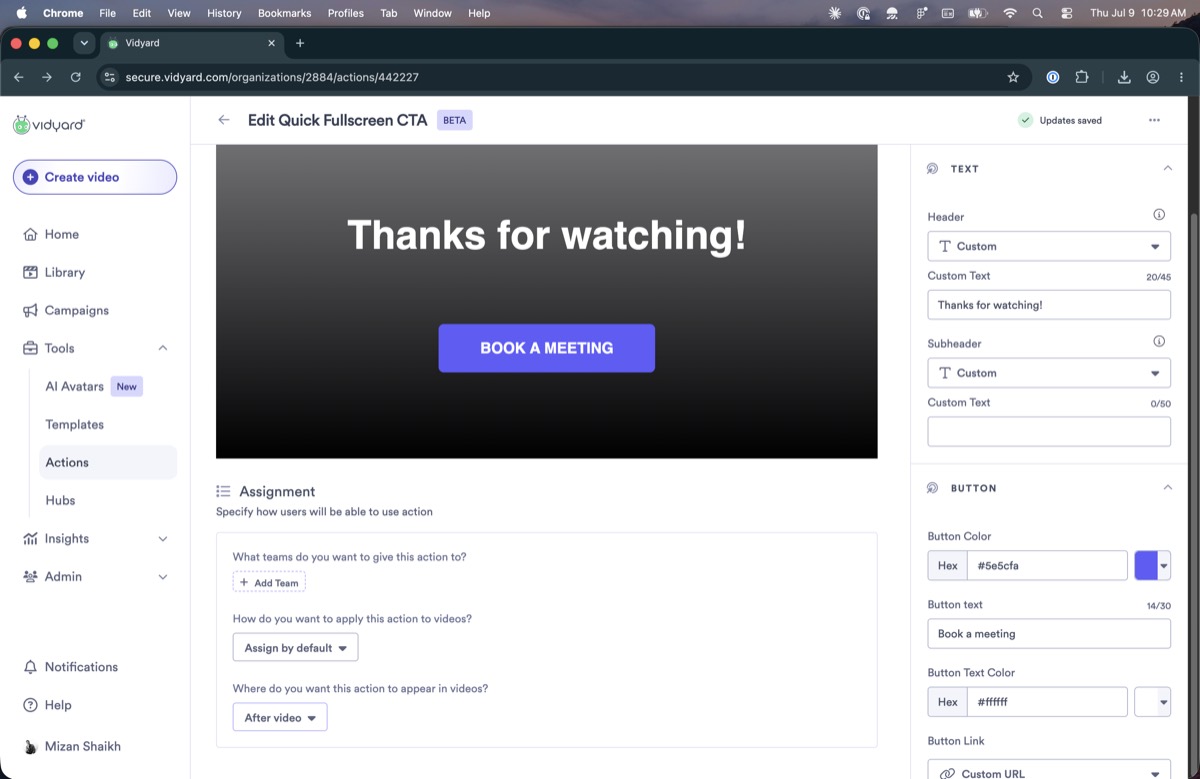
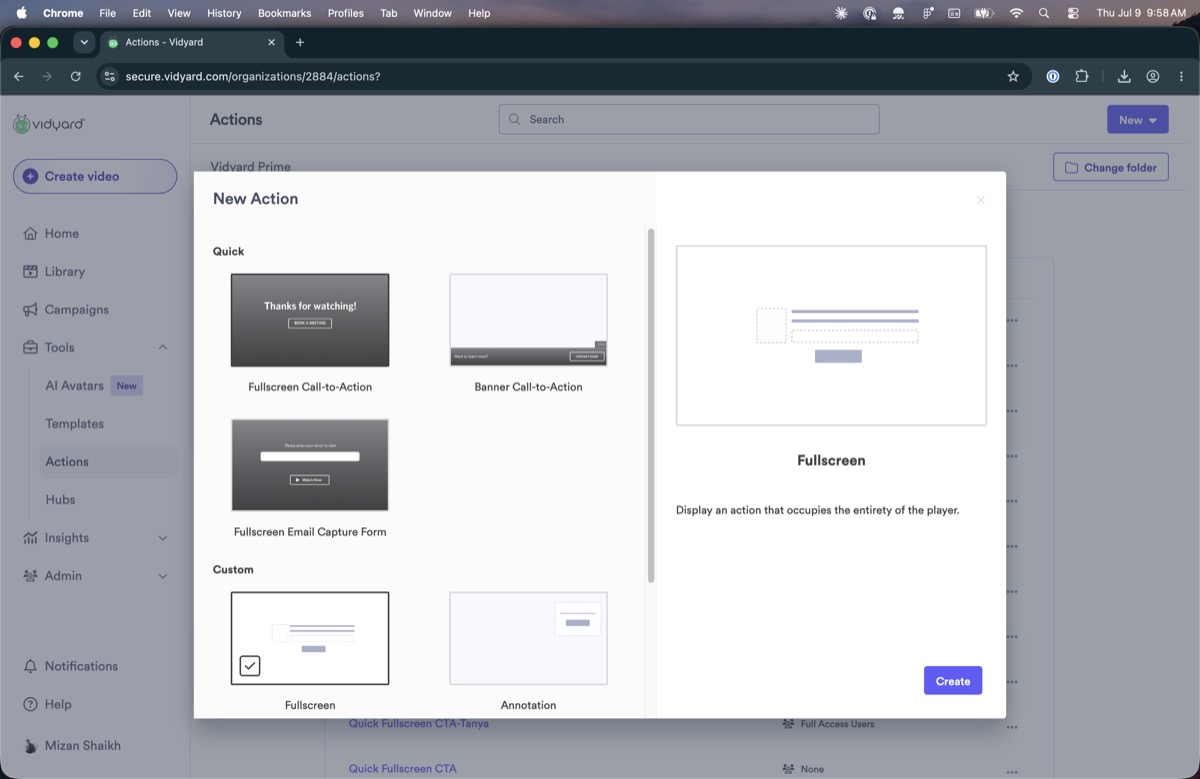
There are team actions, which apply across a whole team, and folder actions, which apply to a folder or a single video. They do the same job, but they are built as separate systems: folder actions are created from a template gallery with a live preview, team actions from a fixed list of types with no preview, and each has its own settings panel. The names describe where an action is attached, not what it does.
Actions
A record of how the feature works today and where it breaks.
Actions are the interactive layers on a Vidyard video: email gates, forms, call-to-action buttons, overlays, and custom HTML/CSS. The underlying idea is valuable, but years of additions without simplification have made it hard to understand and use.
This is a plain account of the current experience: what an action is, how the system behaves, and every problem found using it. It proposes no solutions, only observations.
What an action can be
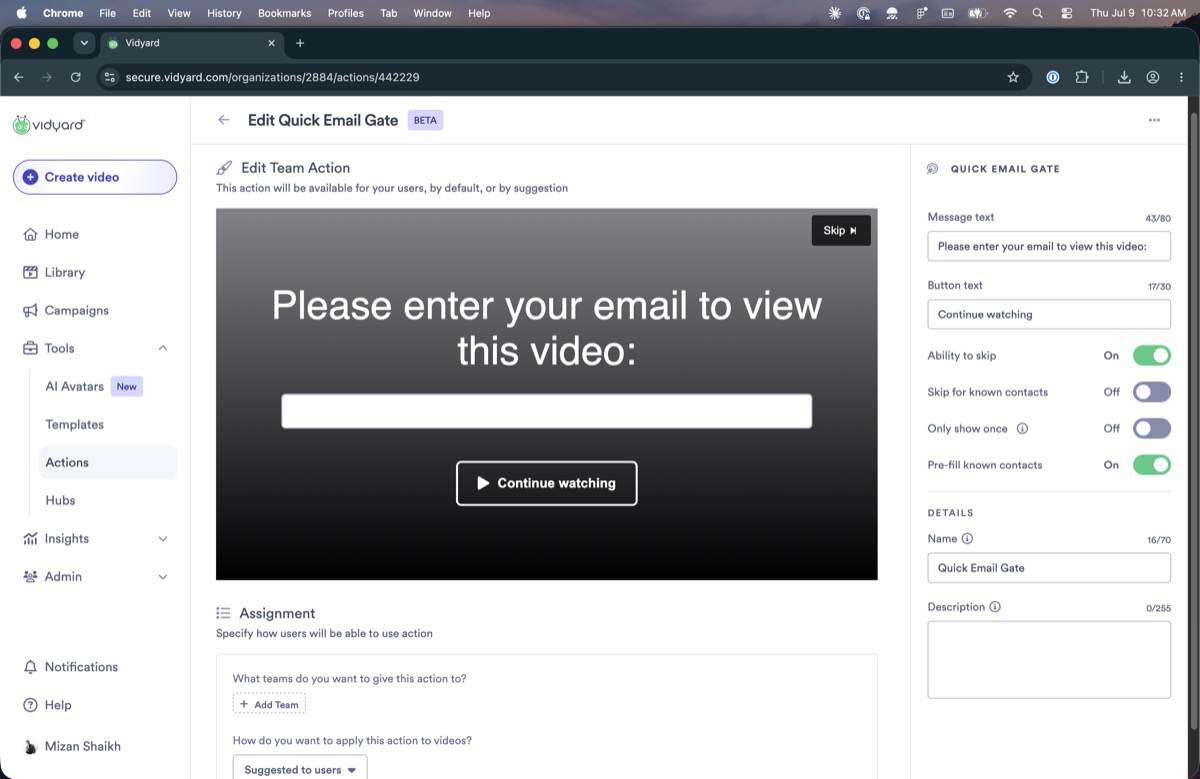
The viewer enters an email (or completes a Marketo form) to keep watching. Beyond capturing the address, a gate identifies the viewer, tying a name to their views and, where connected, to Salesforce/Marketo activity. It's an identification play as much as a conversion one.
An optional button or prompt: an end-of-video button, an in-video annotation, or an overlay on the player.
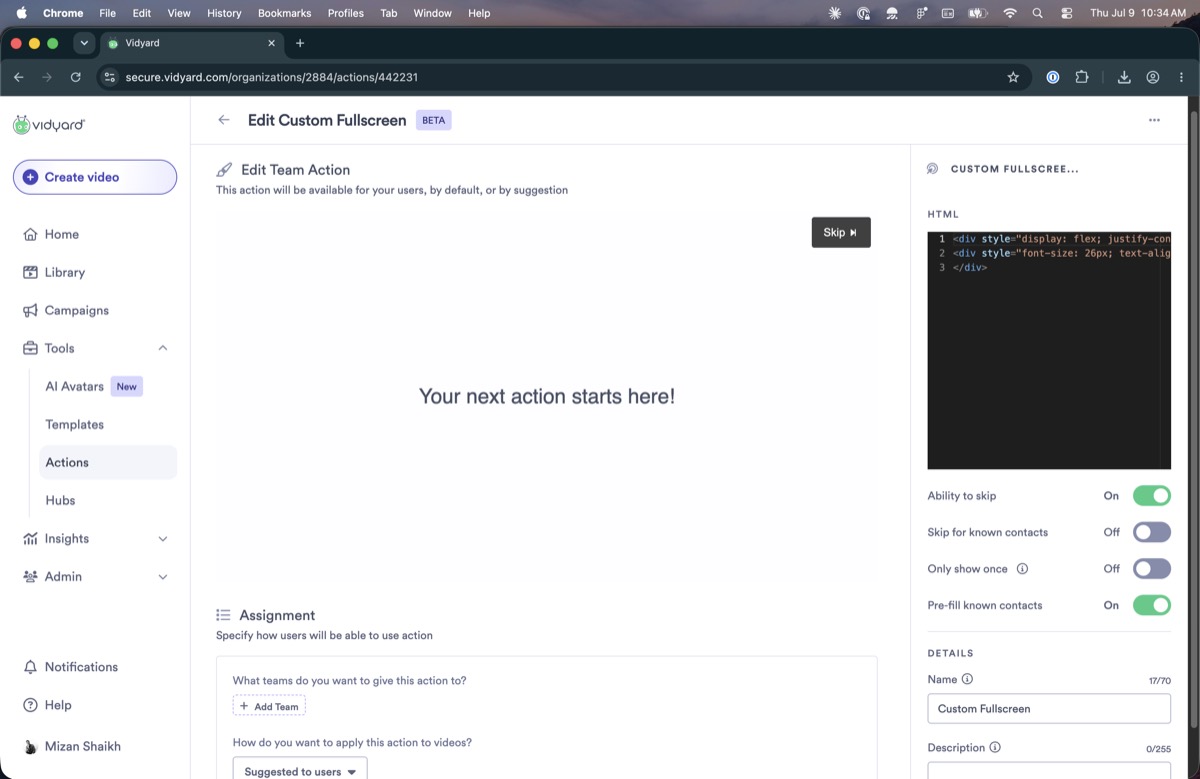
An open HTML/CSS canvas for building essentially anything. This is where customers who want bespoke behaviour end up.
How it works today
Much of this had to be established by testing; some remains inference. Tags mark how far each claim was verified:
Tested seen firsthand · Reported told, unverified · Conflict observed behaviour contradicts what we were told.
Two kinds of action
Team actions apply across a whole team: every video the team's members create inherits one. Folder actions apply to a single folder or video. Both are managed on the Actions page.
Where you set them up
Actions are created and managed on the Actions page, where you first pick a folder. An action set directly on a single video is configured from that video's own edit page.
Creating and assigning
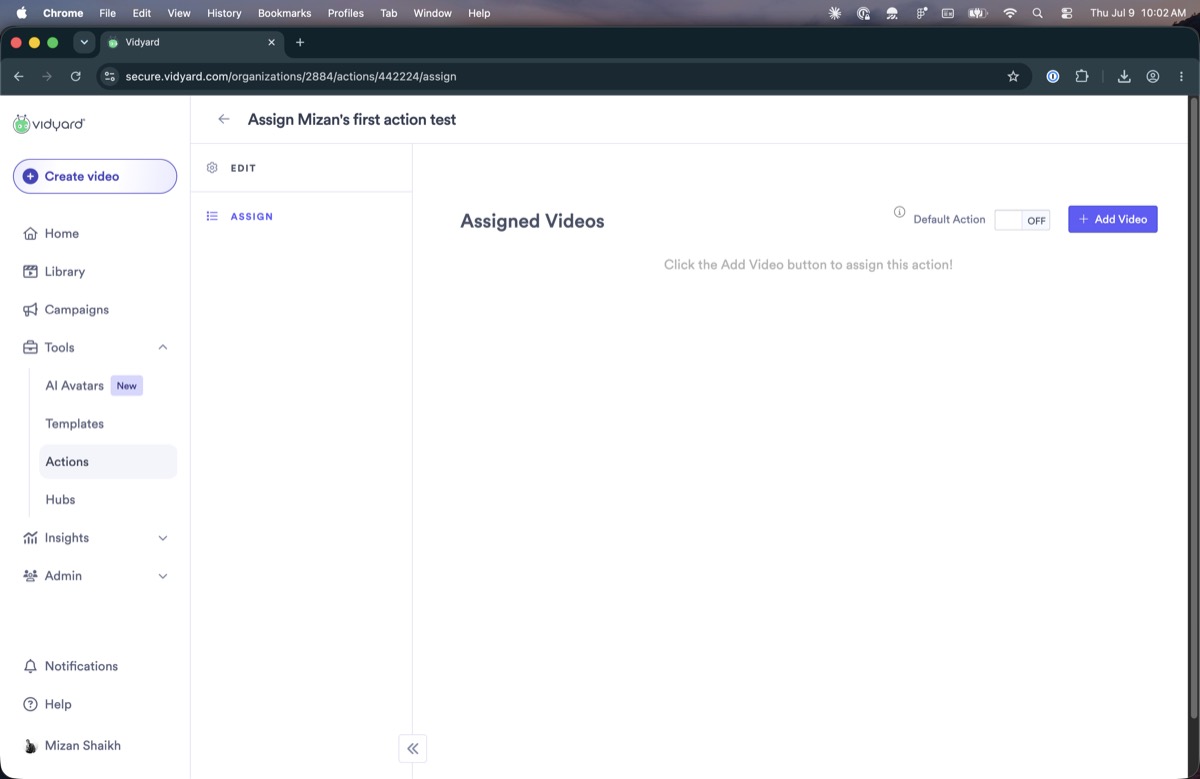
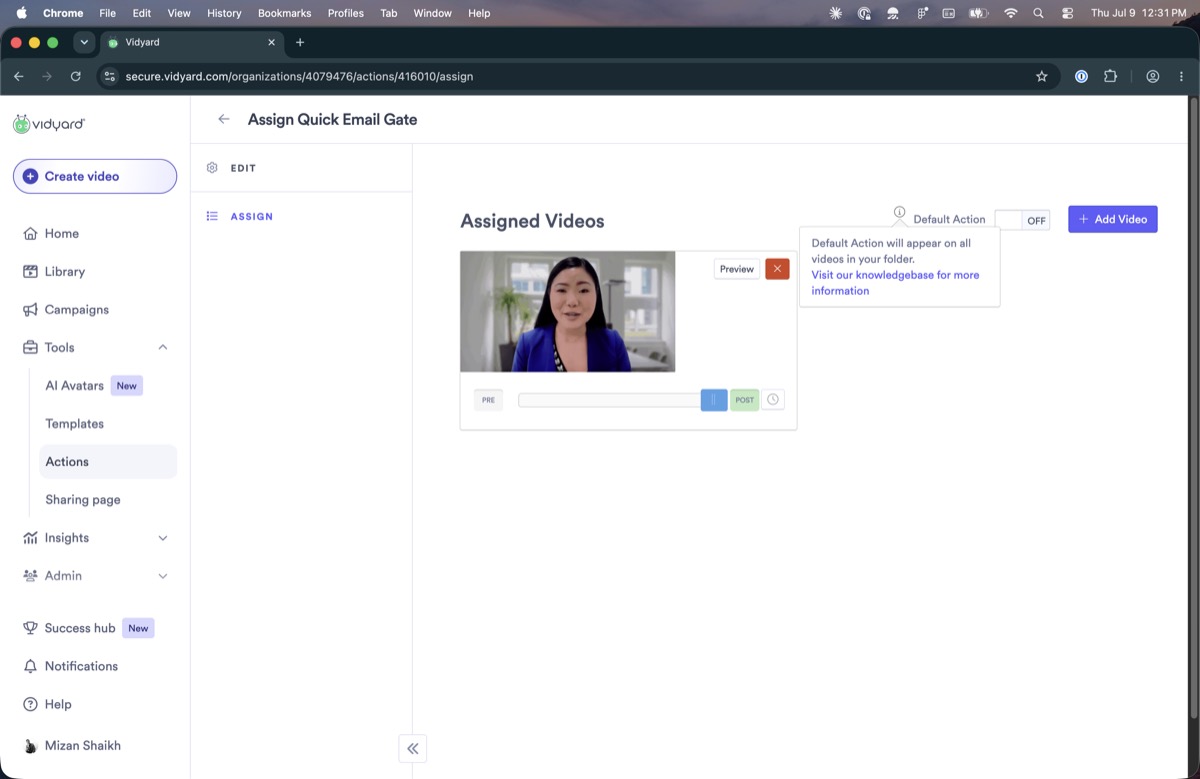
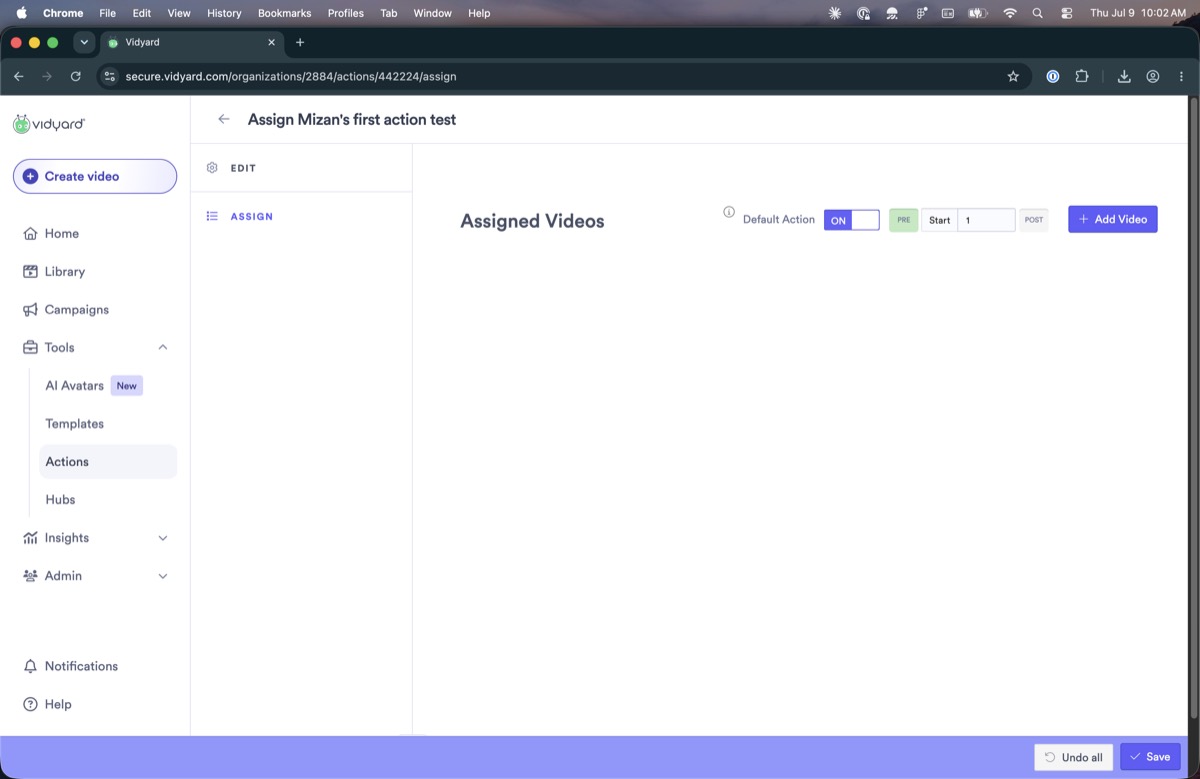
Creating an action and applying it are two separate steps. After creating one, you assign it either by adding specific videos to it or by marking it a default, which applies it to everything in that scope.
Which action takes priority
A video can inherit an action from three places: its team, its folder, or the video itself. When more than one applies, we could not work out the rule with any confidence. Here is what we saw when we tried it:
- Team of the creatorthe team of whoever made the video
- The folderthe folder the video sits in
- The video itselfset on the video's edit page
- Tested With a team action on a folder, you can't also set a folder action; assigning the team action removed the folder one.
- Tested A folder action marked
defaultapplied to every video and couldn't be changed on an individual one. (We only tried this with a default.) - Conflict We were told a video's own action takes priority, but the default above couldn't be overridden, so that doesn't hold cleanly.
Creating and editing
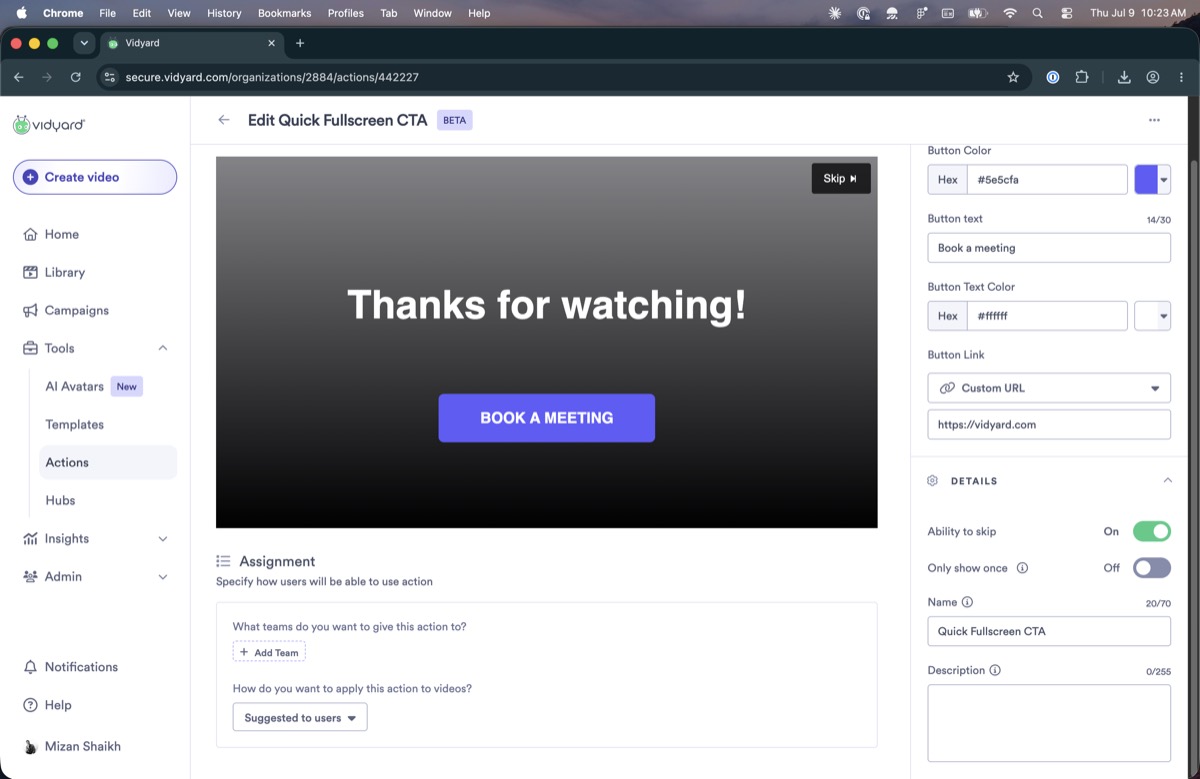
The two types are created differently. A folder action starts from a gallery of templates. A team action is created by choosing from a fixed set of types, each of which opens its own editor and settings.
What's broken
Model & architecture
A video can receive an action from its team, its folder, or itself. When more than one applies, the priority is not documented, and we could not confirm it. In testing, setting a team action on a folder removed the folder action, and a folder action marked as the default could not be changed on an individual video. Whether that reflects a fixed order or simply the most recent change winning was not resolved.
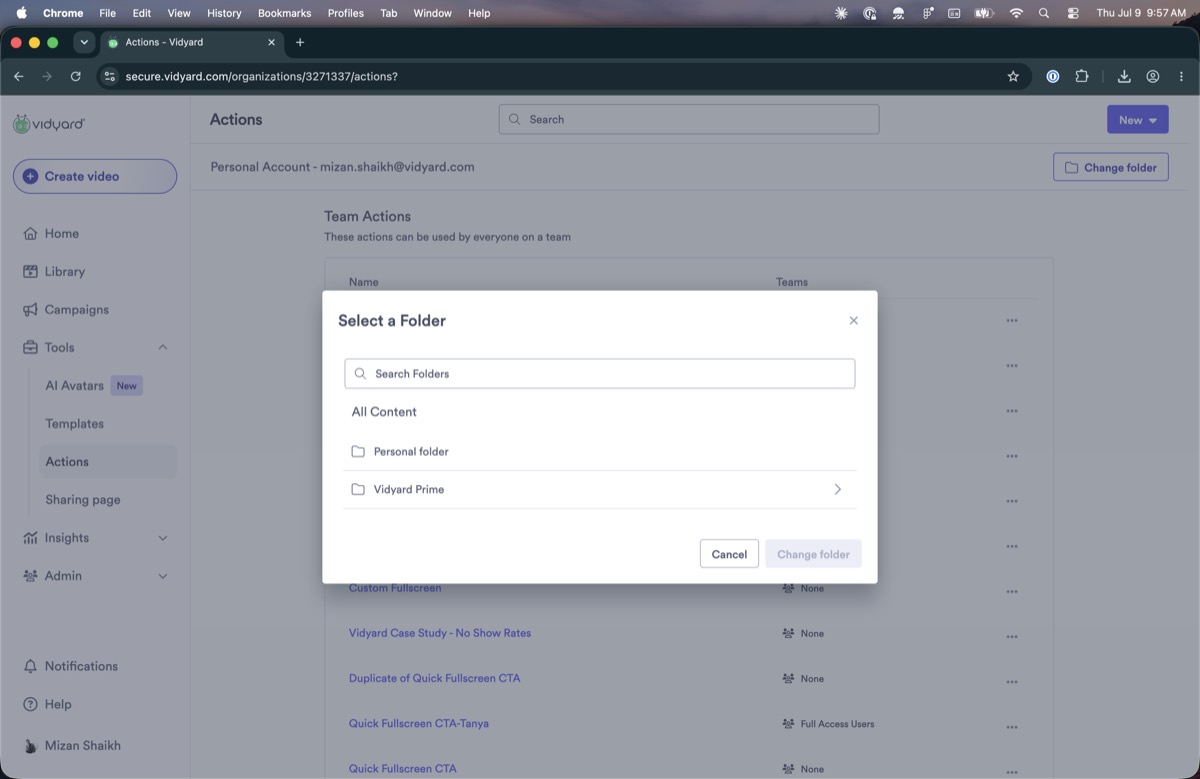
There is no way to add or change an action from the folder you are working in. All setup happens on the separate Actions page, and a folder gives no indication of which actions its videos have inherited.
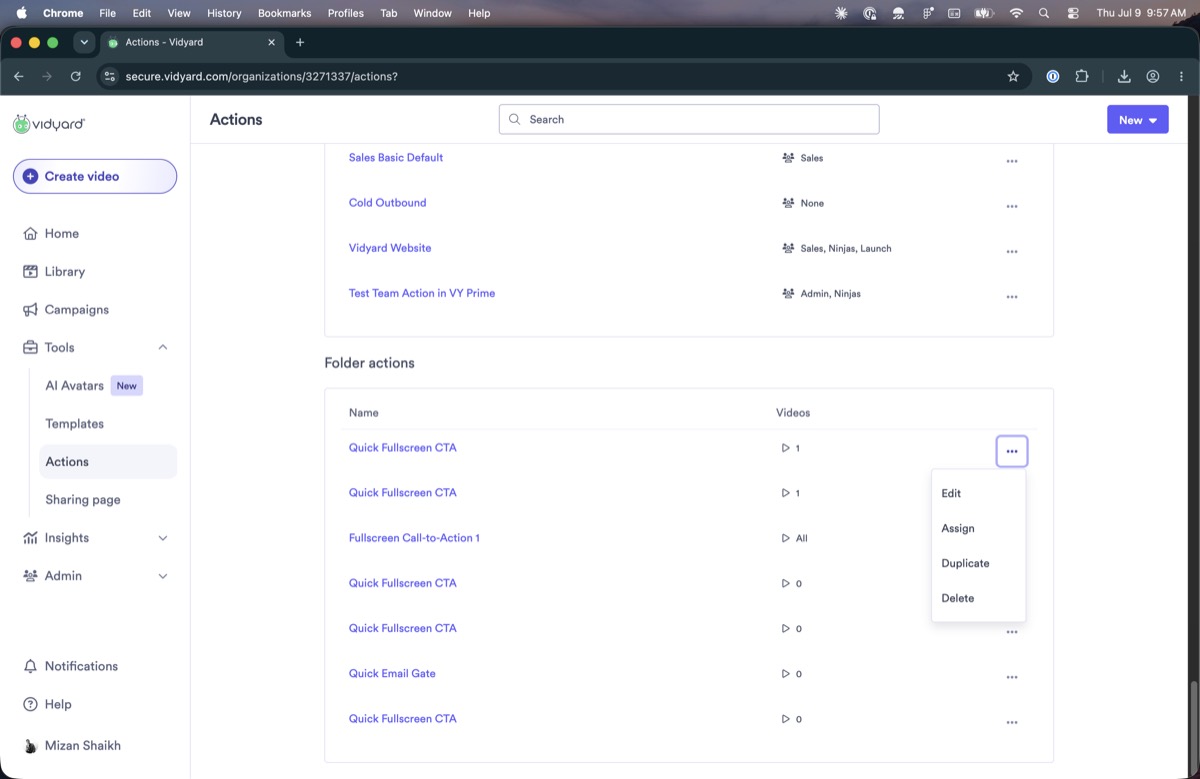
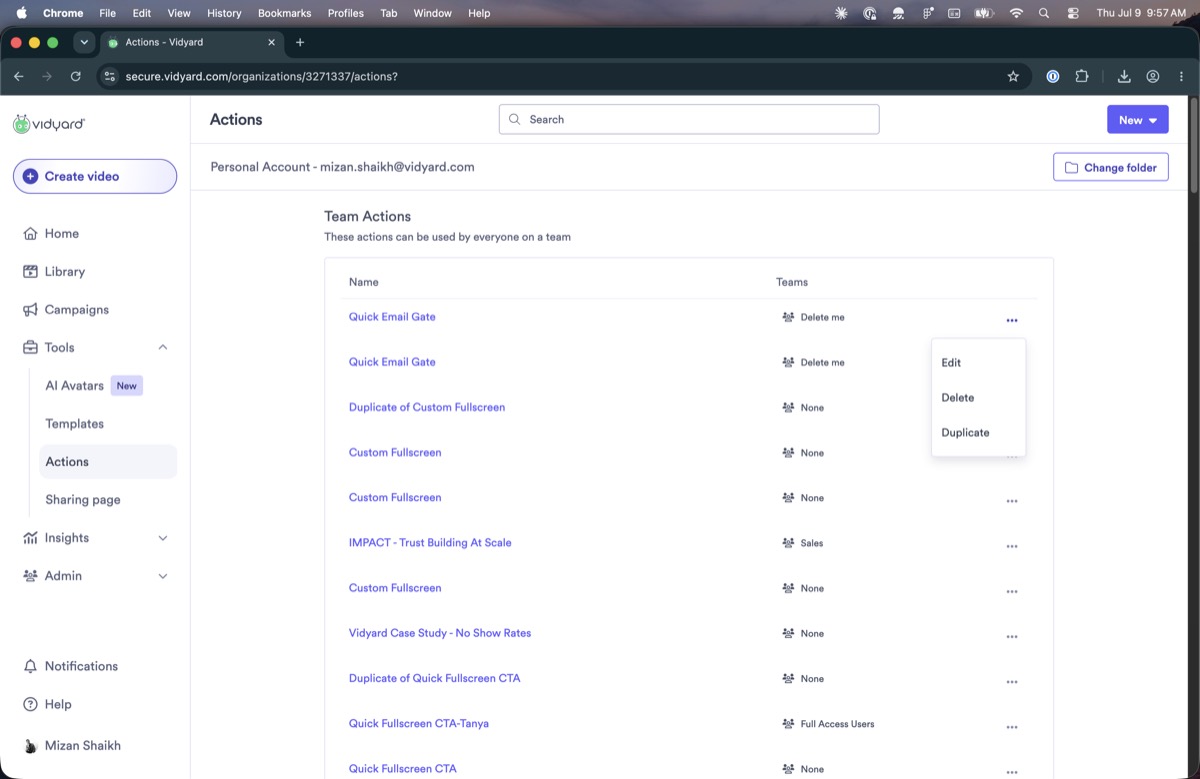
On the Actions page, clicking an action's name opens the edit flow. The row's own menu repeats Edit (and, for folder actions, Assign) alongside Duplicate and Delete, so the same operations are reachable several ways with no clear primary path.
Discoverability
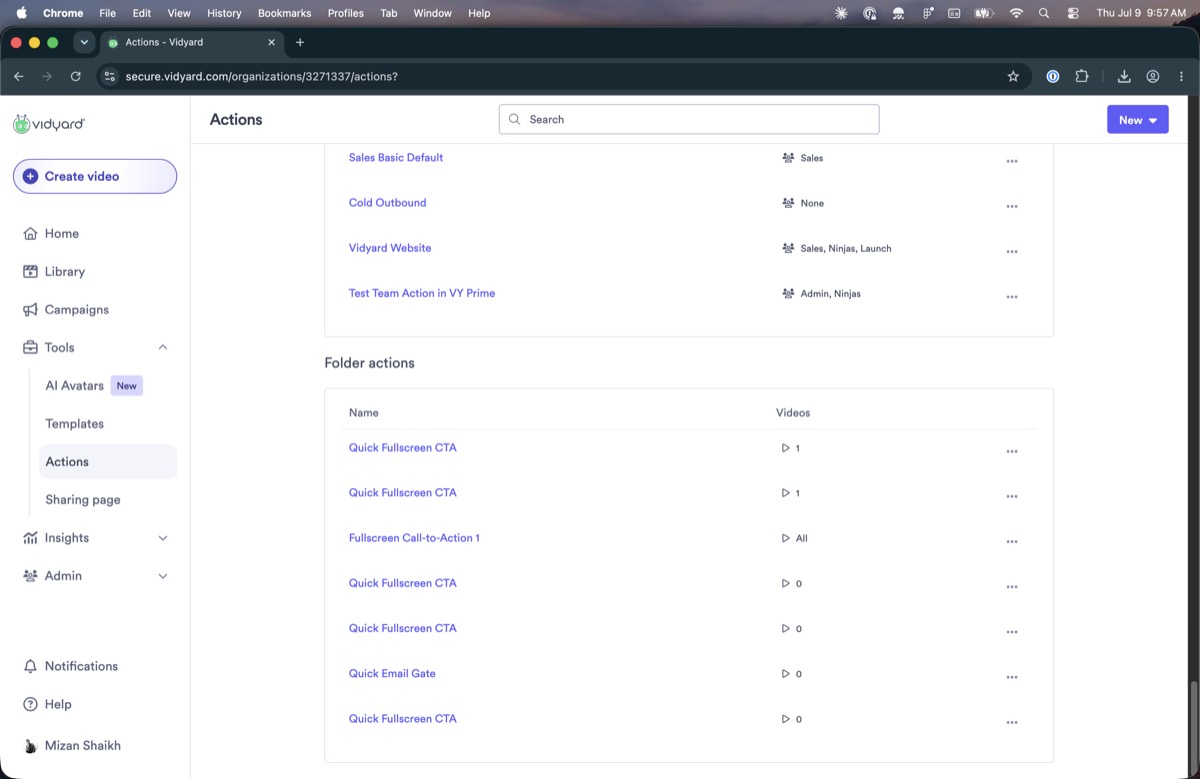
On the Actions page, folder actions are listed underneath the team actions, with nothing at the top indicating a second list exists. When the team list is long or paginated, the folder actions fall below the fold.
The Change folder control in the top navigation re-scopes the folder-action list but leaves the team-action list unchanged. Nothing indicates that it affects only one of the two lists.

A new action stays inactive until you separately add videos to it or mark it as a default. There is no confirmation after saving and no clear place the action then appears, so it is easy to assume creating it failed.

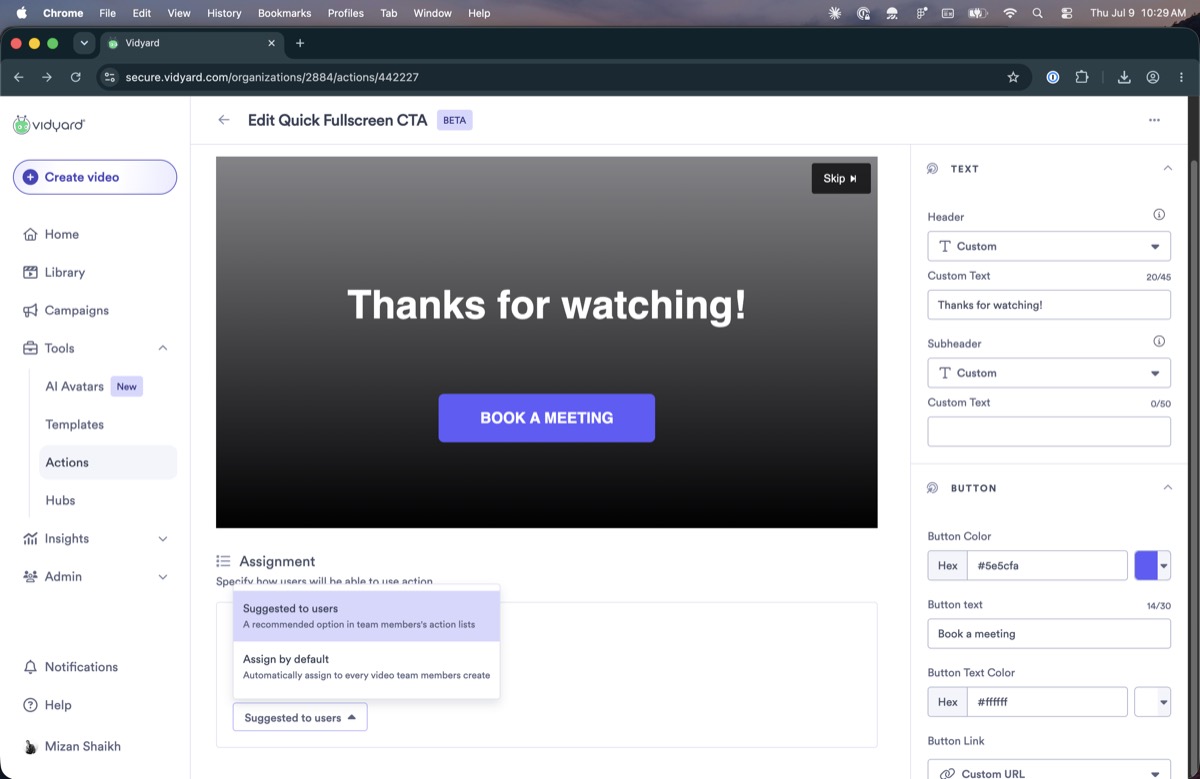
You can set an action as “suggested to users,” but nothing shows where that suggestion is surfaced. It did not appear on the action list afterward, so it's unclear the setting did anything.

Search
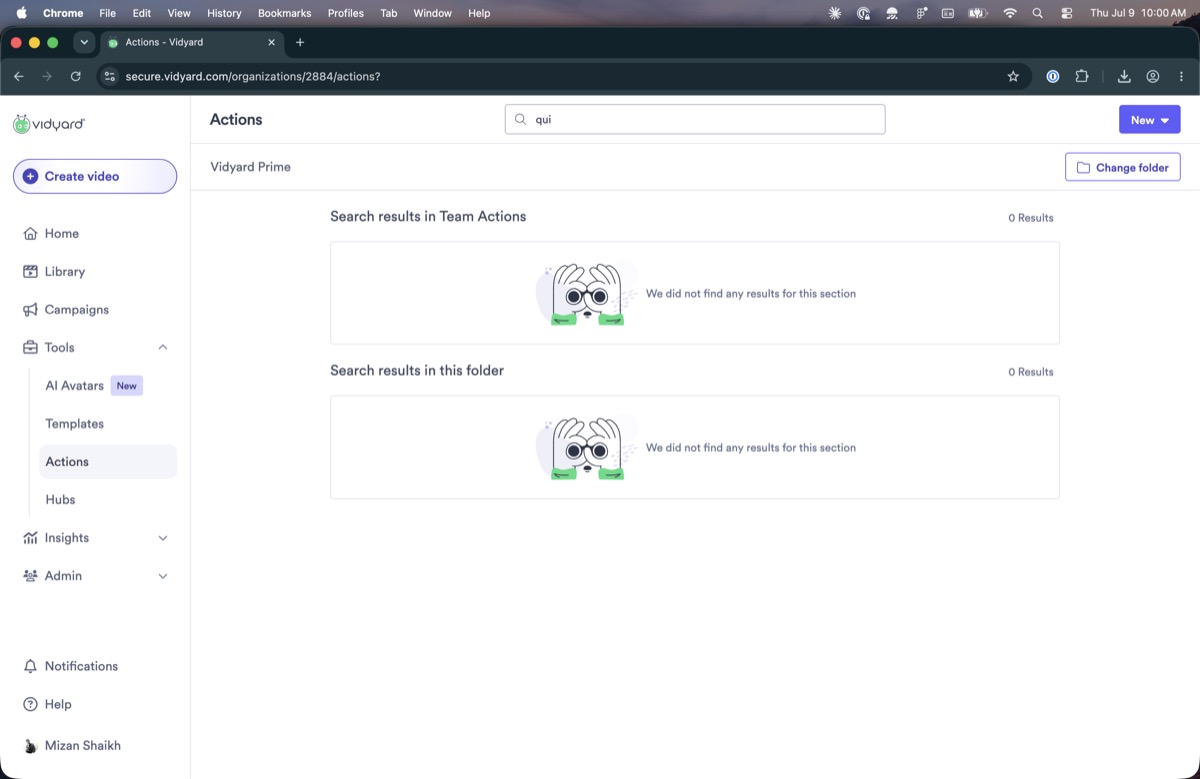
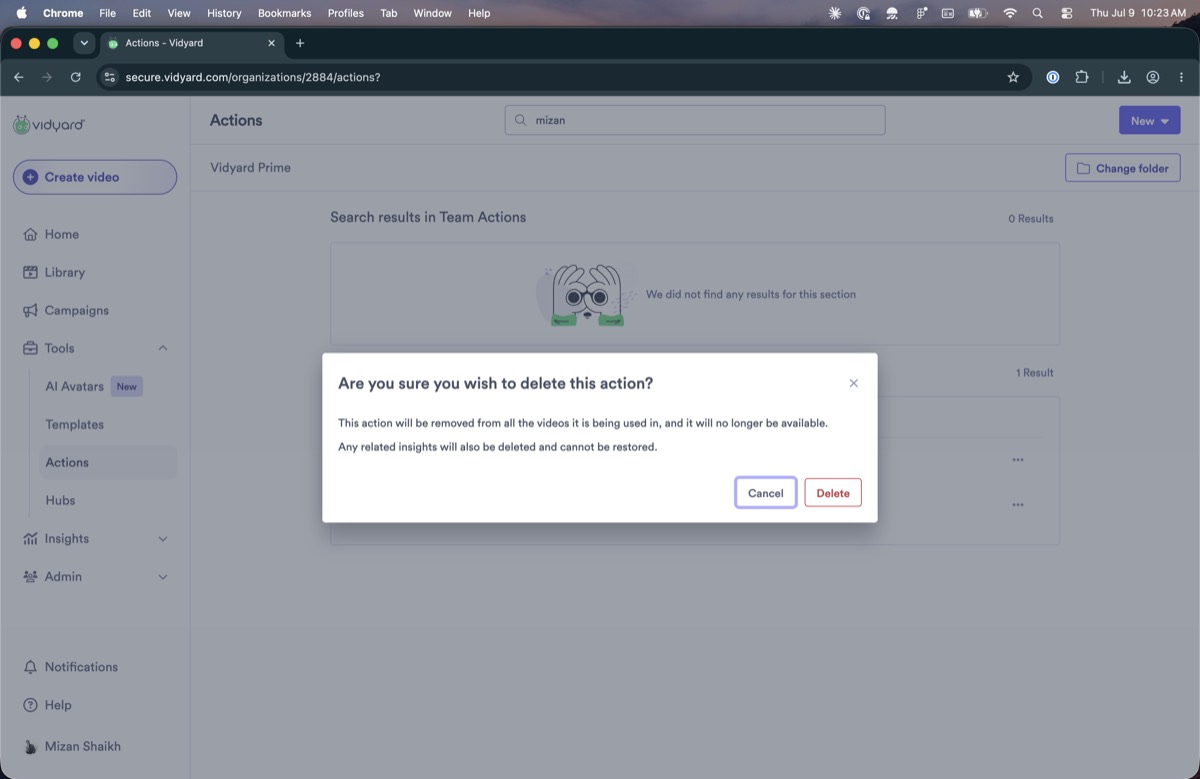
Once you type in the Actions search, there is no control to clear it and return to the full list in one step.
Interaction & behaviour
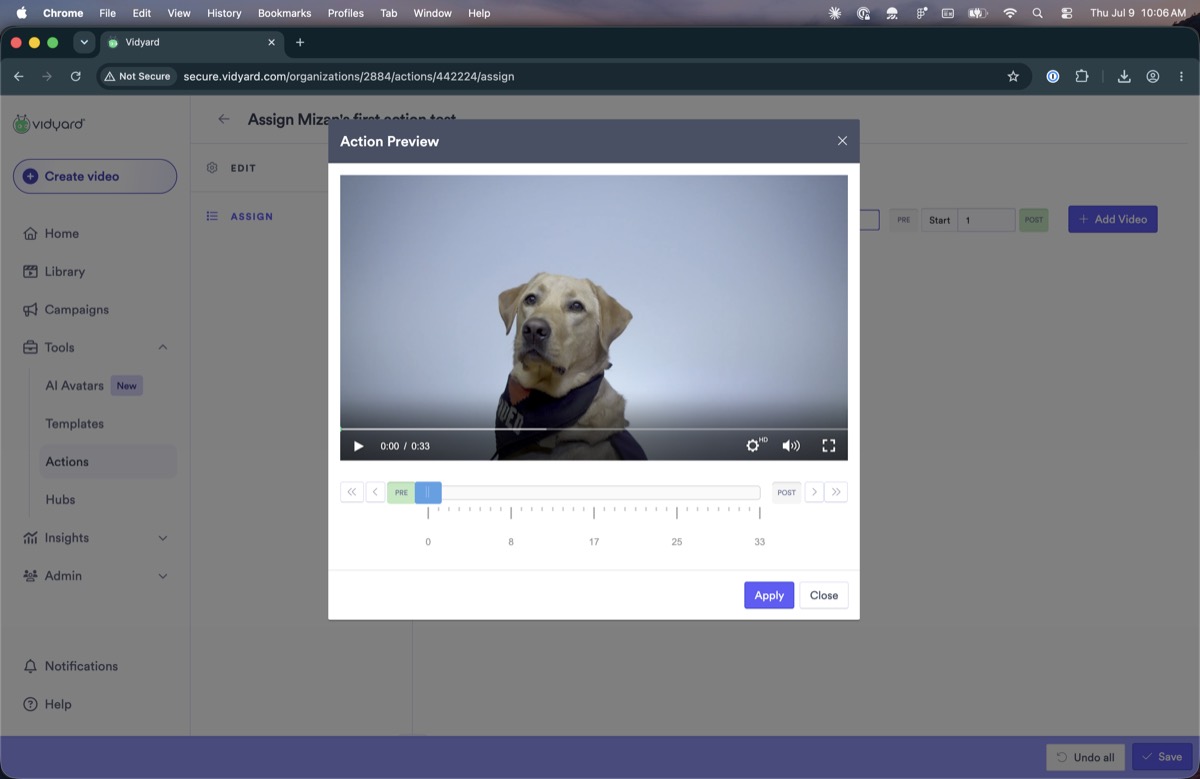
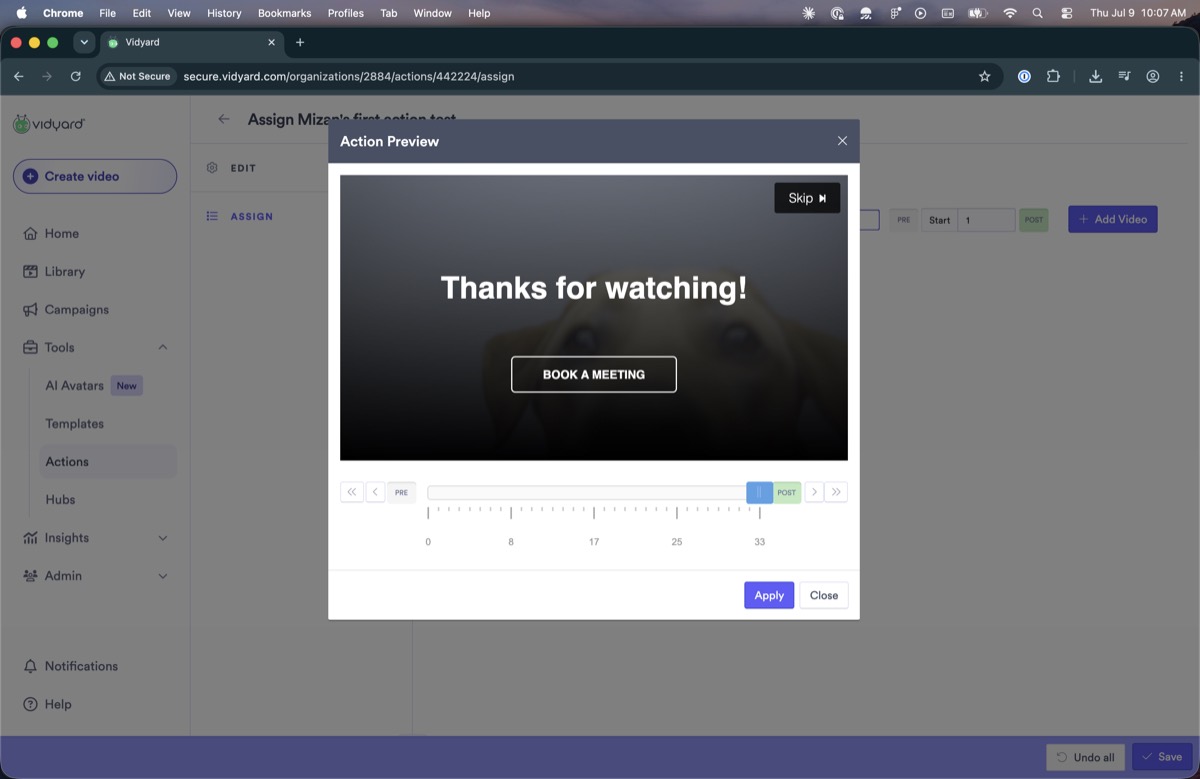
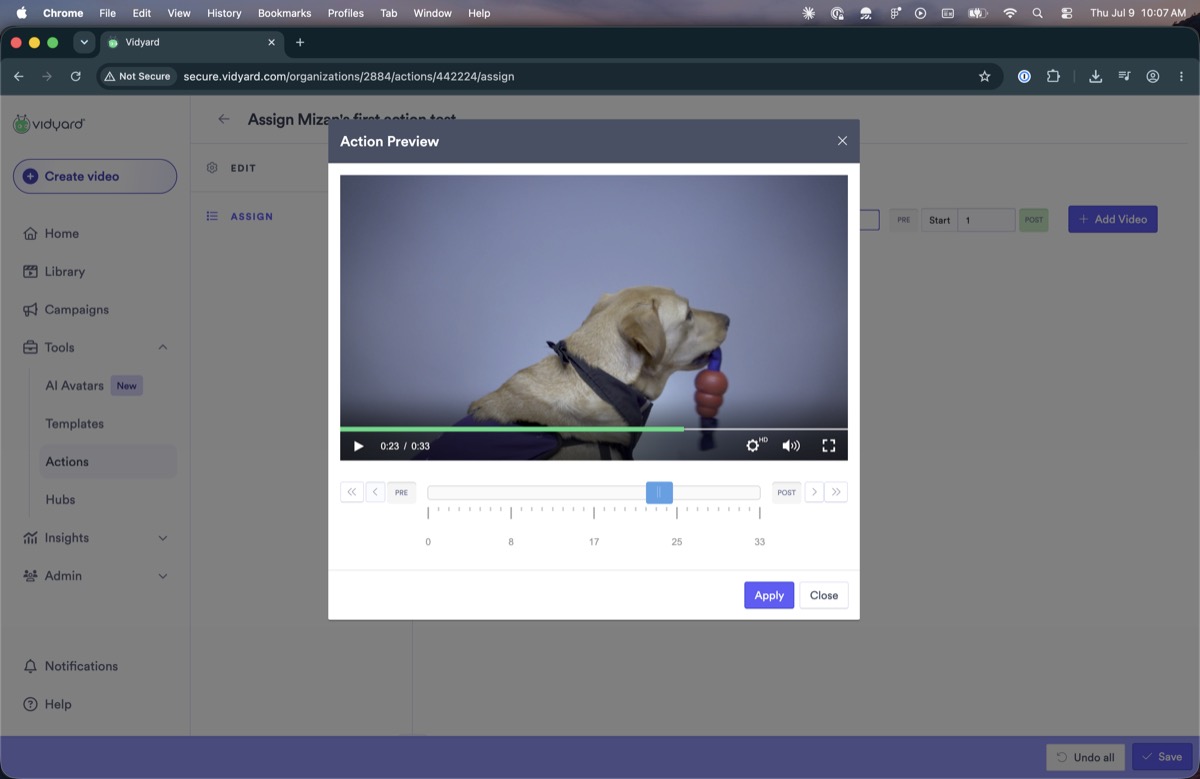
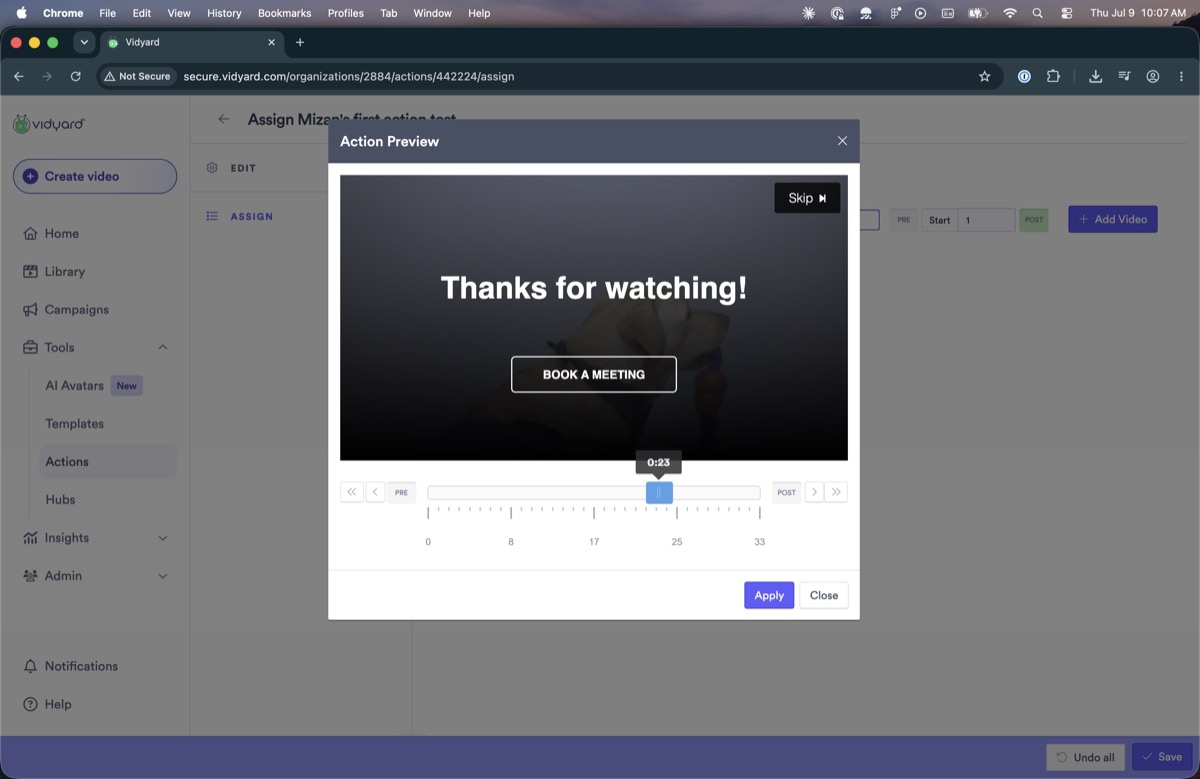
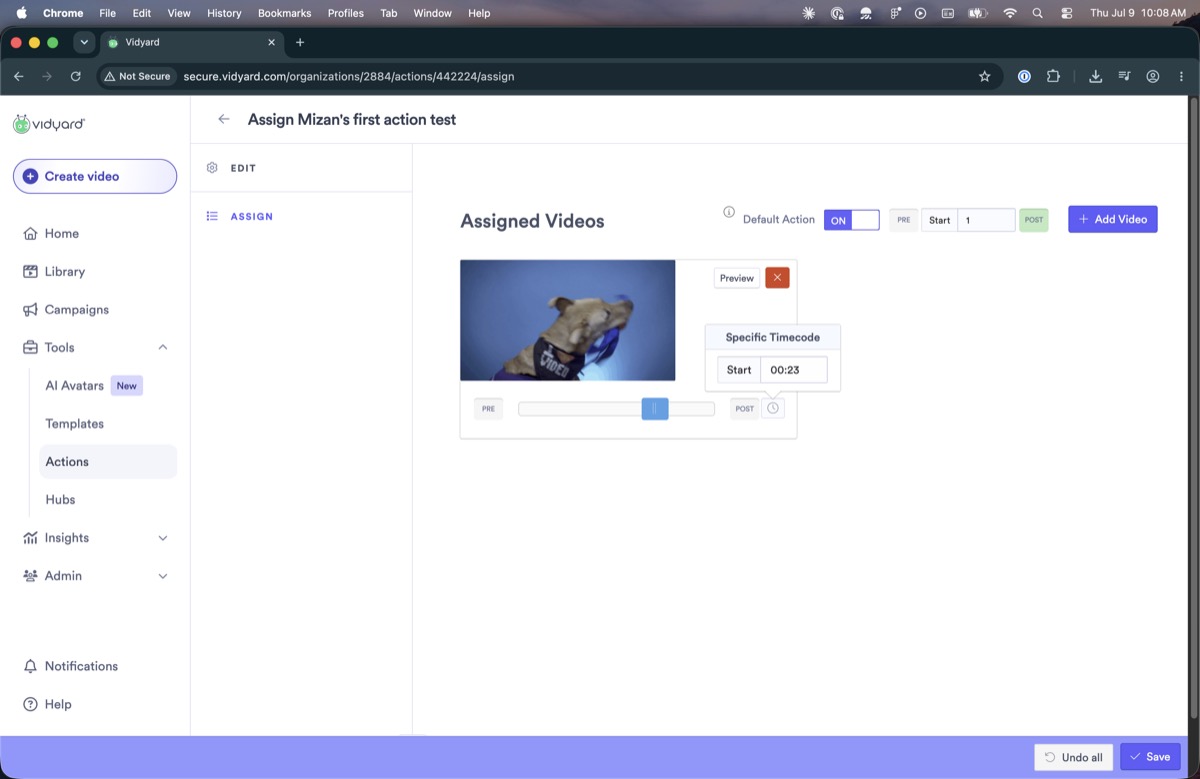
Choosing when an action appears uses a timeline scrubber with Pre and Post buttons and a timecode field. The controls are icon-only with no tooltips, so their purpose is unclear; the field between Pre and Post (showing “1”) is permanently disabled; the same scrubber reappears in the preview dialog, duplicating the player's own; and the preview only shows once you hover over the scrubber.
The badge marking a team default appears clickable but does nothing when clicked.
Assignments change on their own in response to other actions. Adding a team action removed a folder action's assignment, with no notice that it had happened.
Some lists show a loading spinner, others show nothing, and none use skeleton placeholders. Because the team-action list loads after the rest of the page, content shifts as it arrives.

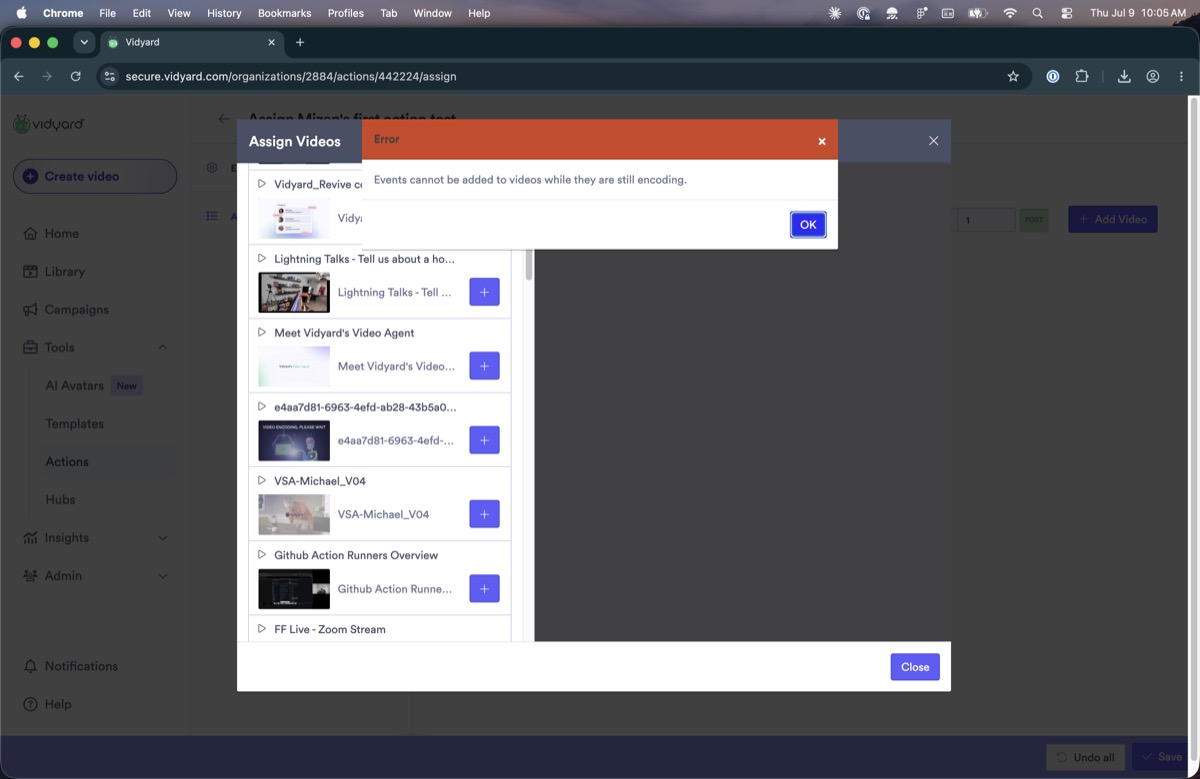
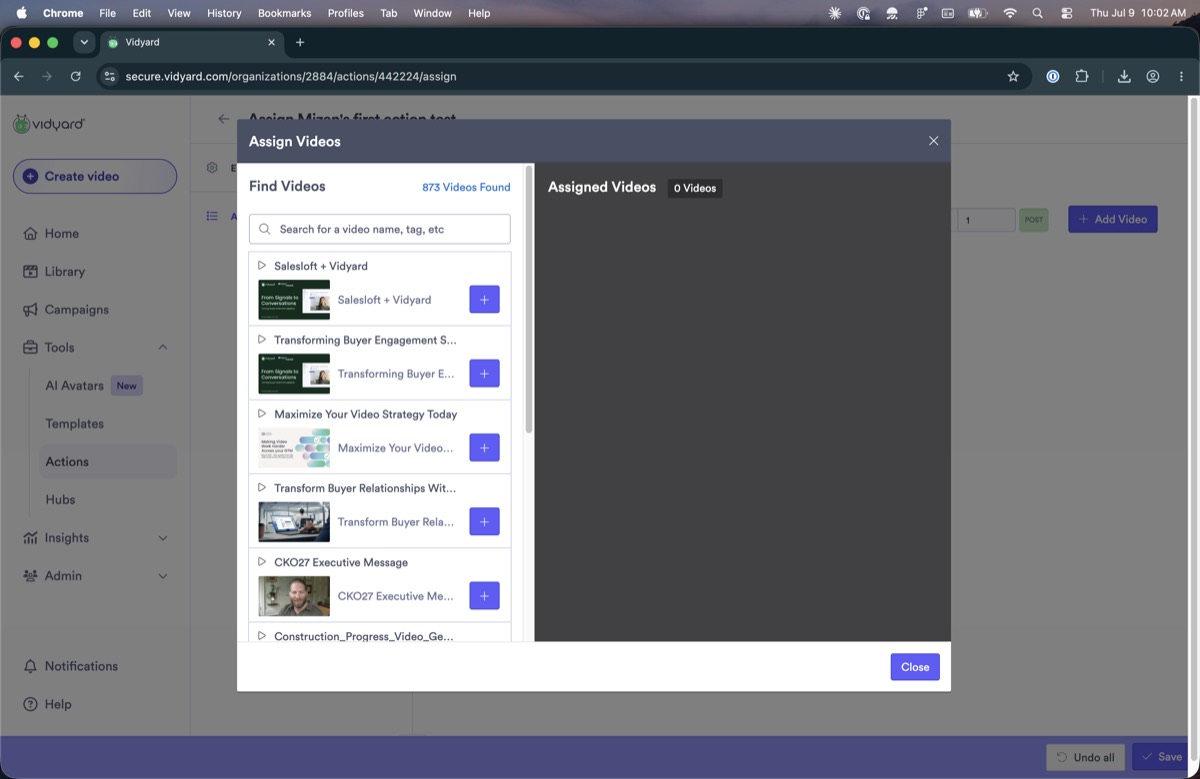
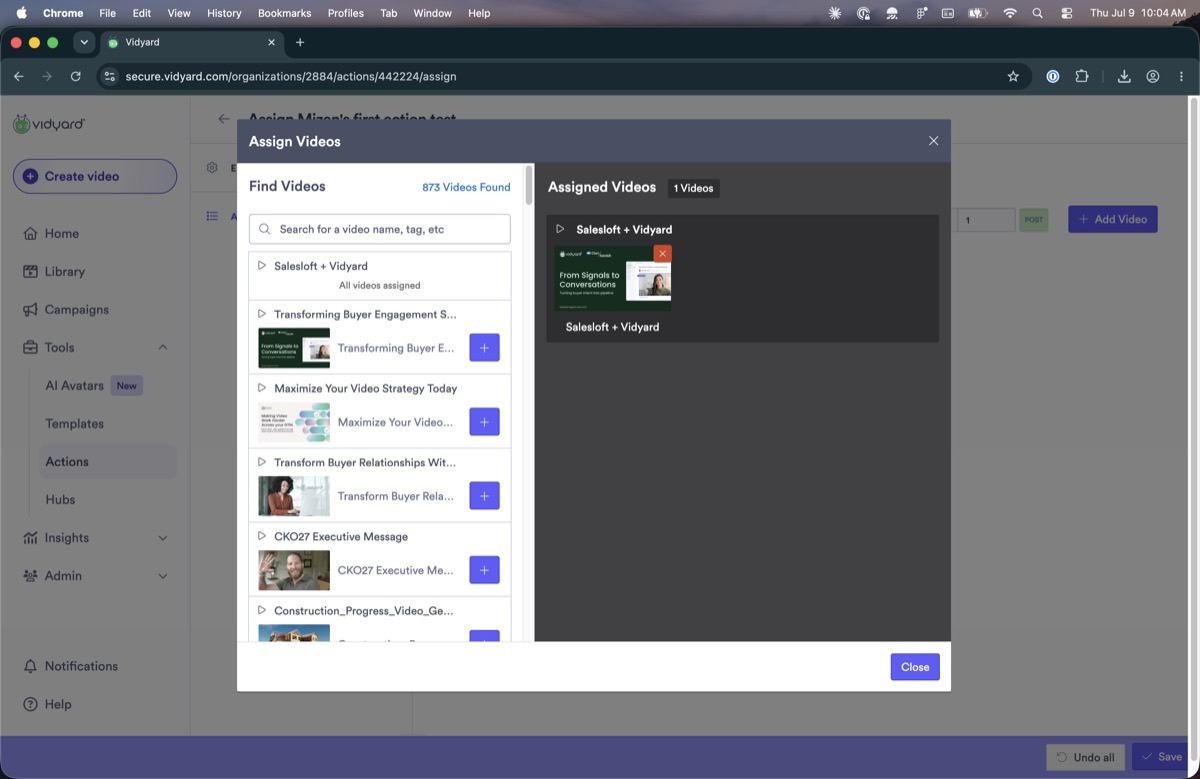
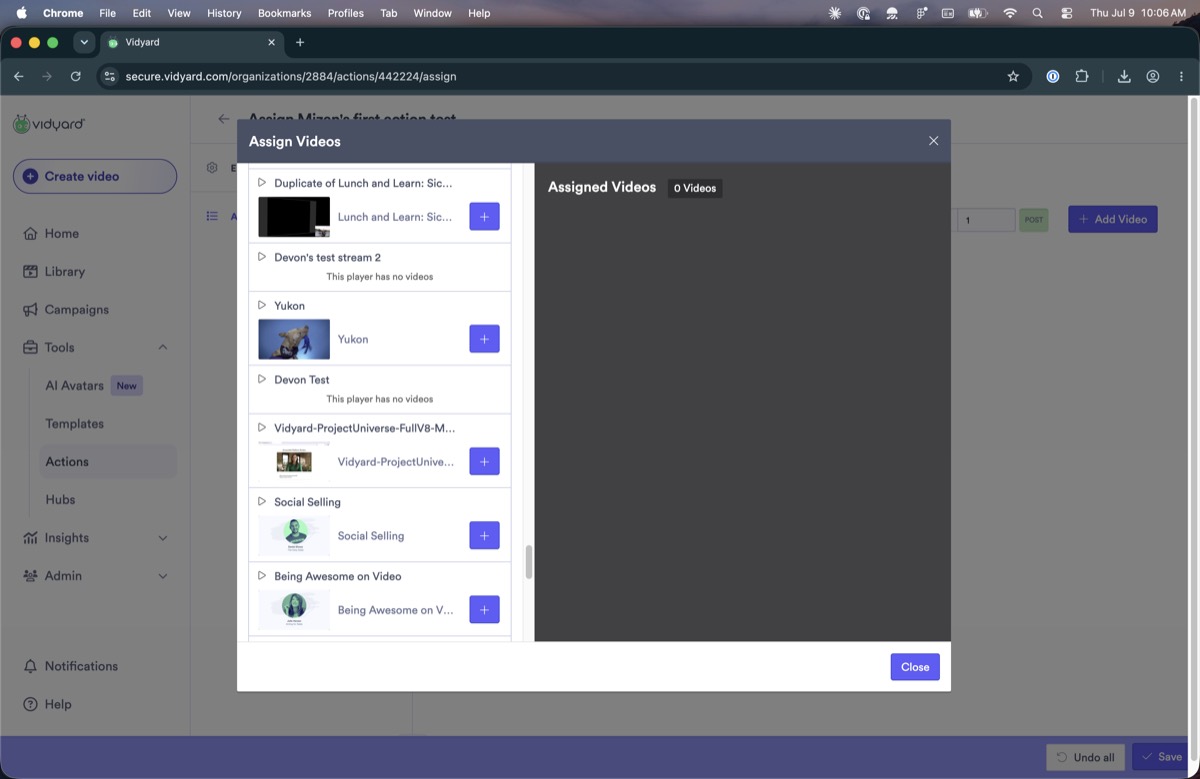
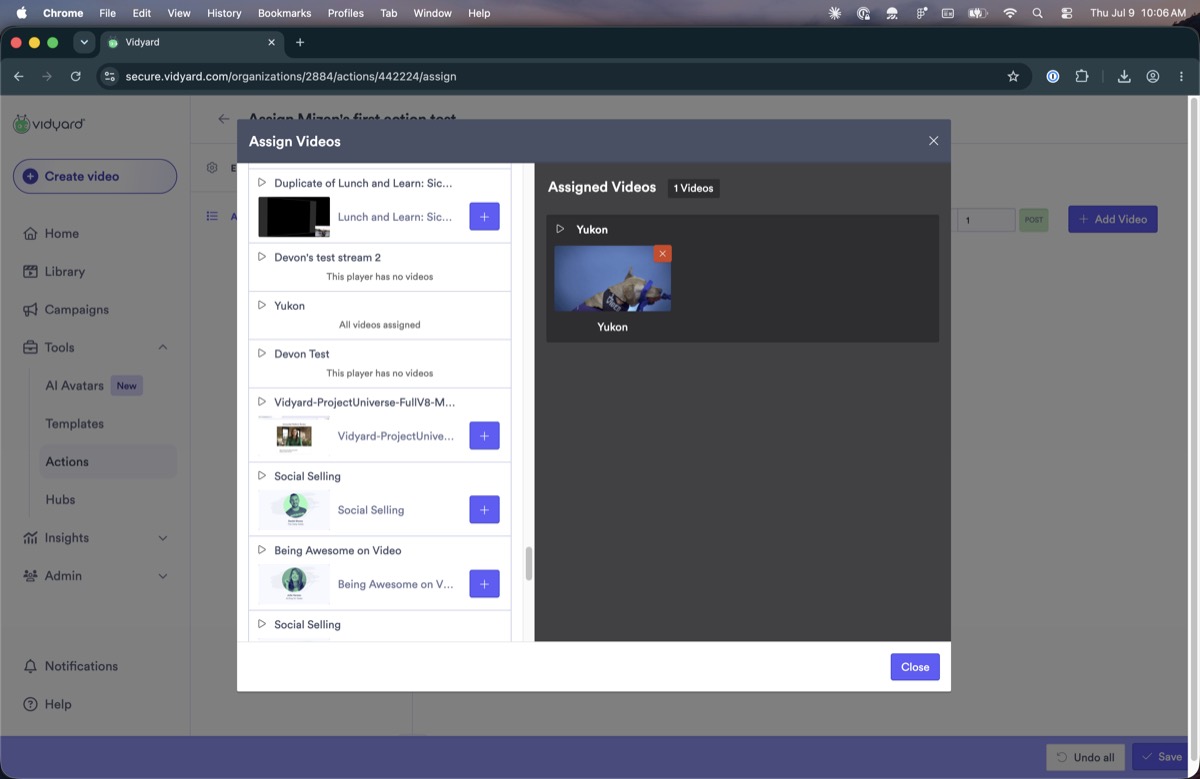
The dialog for adding videos to an action is hard to follow and looks dated next to the rest of the product. After you select a video, its name stays in the left-hand list with “All videos assigned” shown beneath it, as if each video were its own playlist, so it is unclear what has actually been assigned.
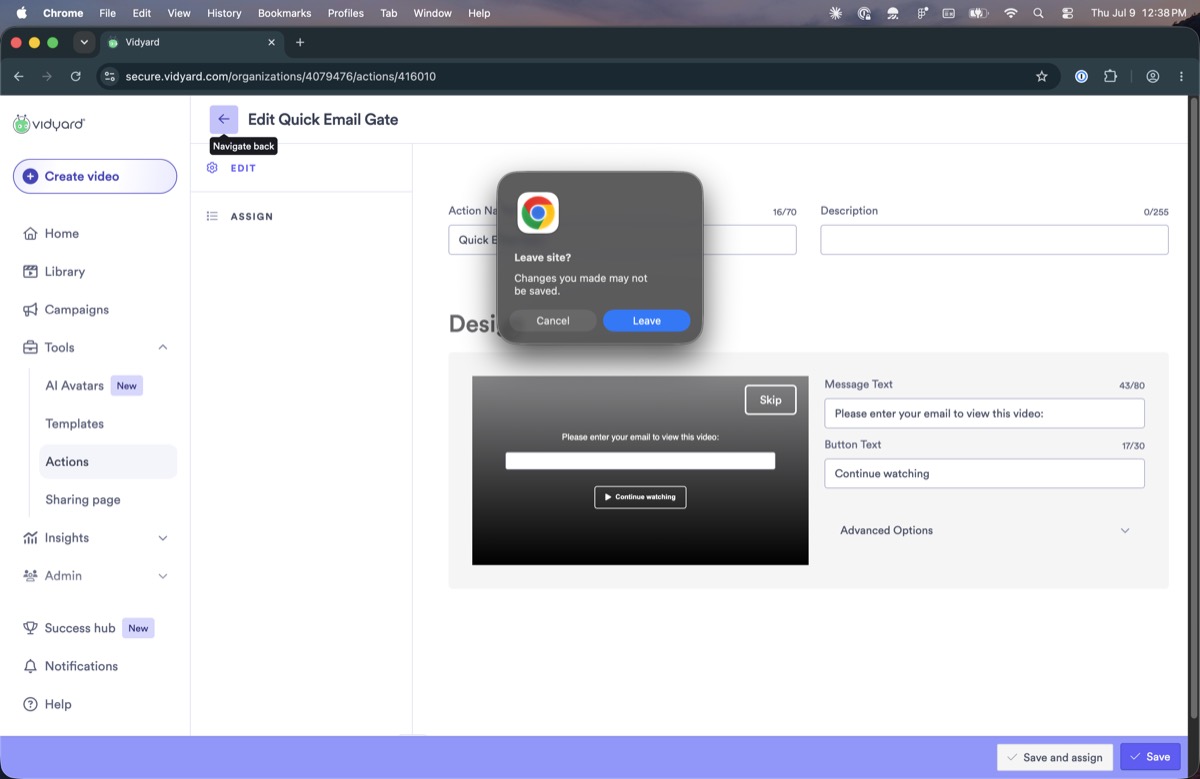
Clicking back on a folder action fires Chrome's native “Leave site? Changes you made may not be saved” dialog, even when nothing has been changed, instead of the product's own confirmation. Team actions auto-save and never hit this; folder actions don't, so the two behave differently.

Visual & craft debt
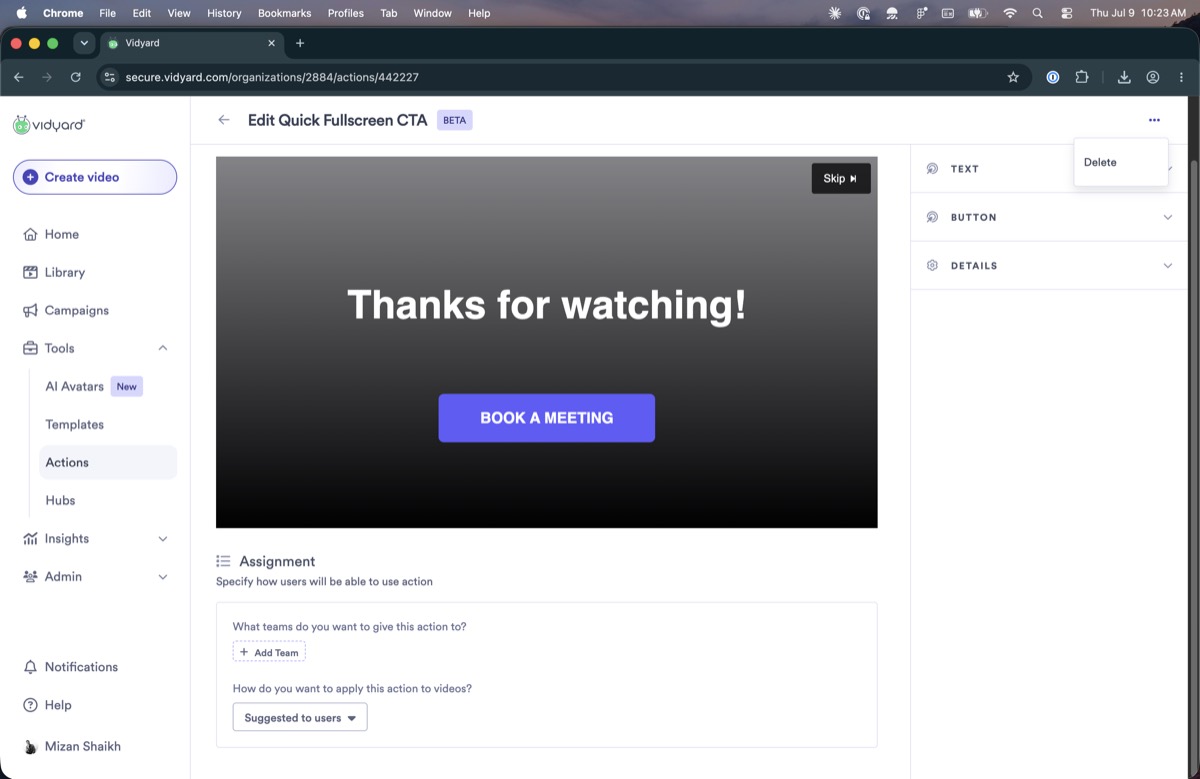
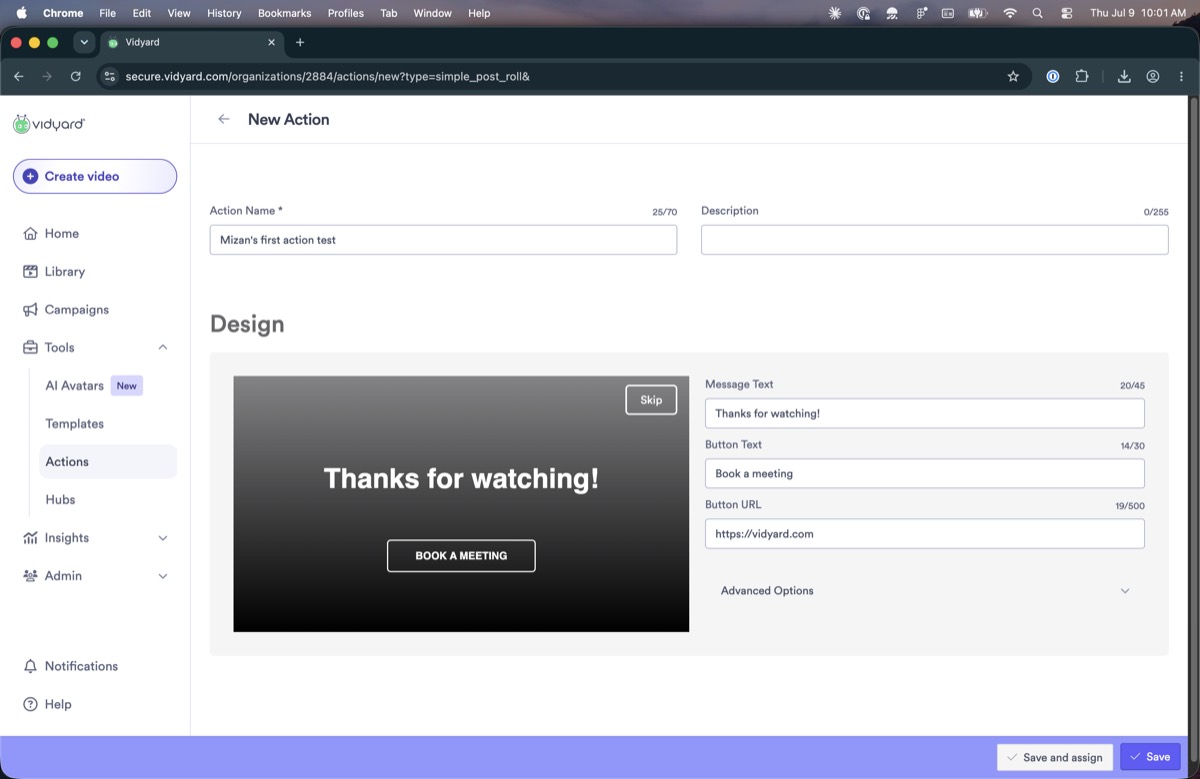
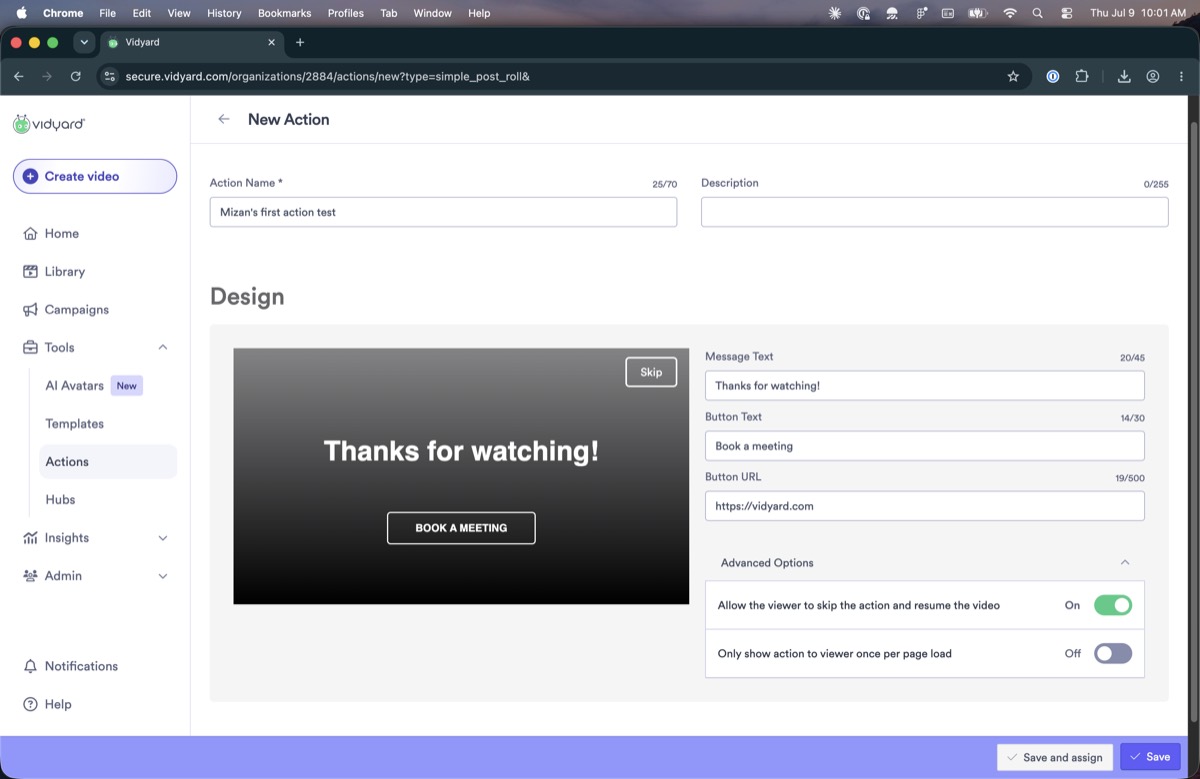
The folder-action editor, the team-action editor, and the newer screens each use a different visual style. The team editor even docks its settings panel on the right, while the folder editor docks its on the left. Features were added over the years without updating the older screens to match, so the feature has no single, consistent look.
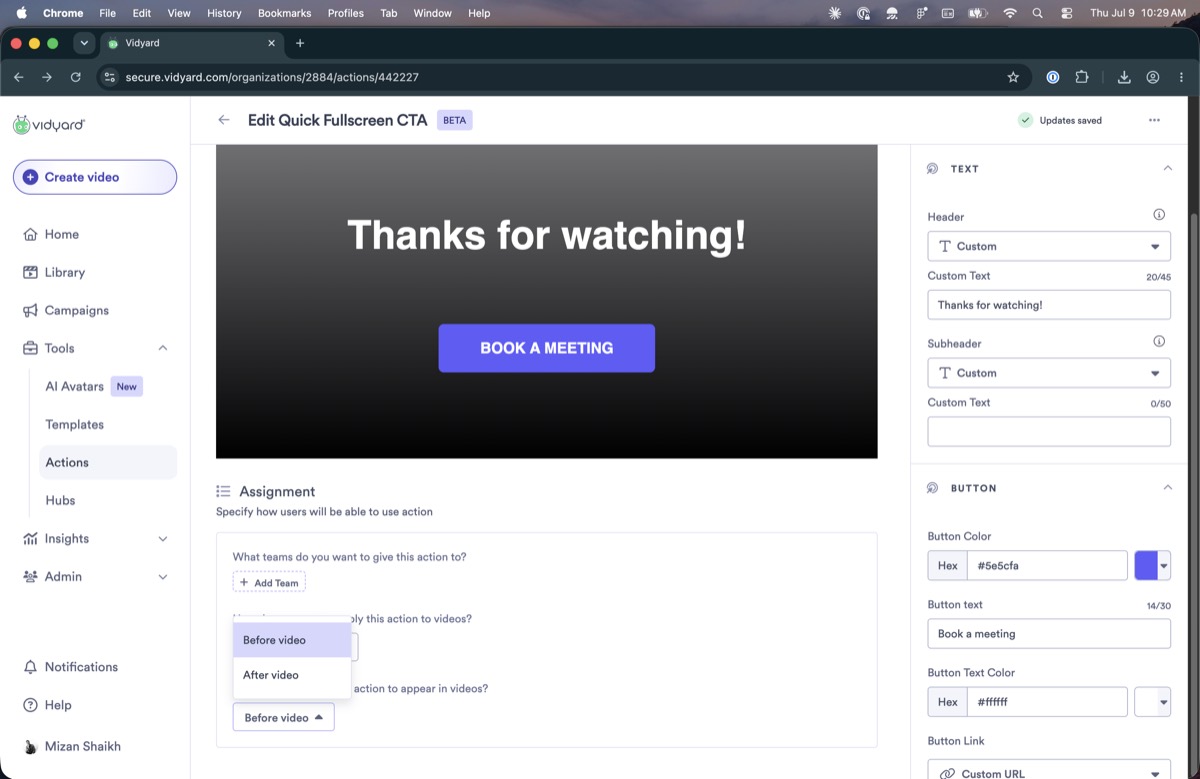
Choosing whether an action plays before or after the video uses a different control here (a dropdown) than the Pre/Post scrubber used for the same choice elsewhere, adding more inconsistency between surfaces.

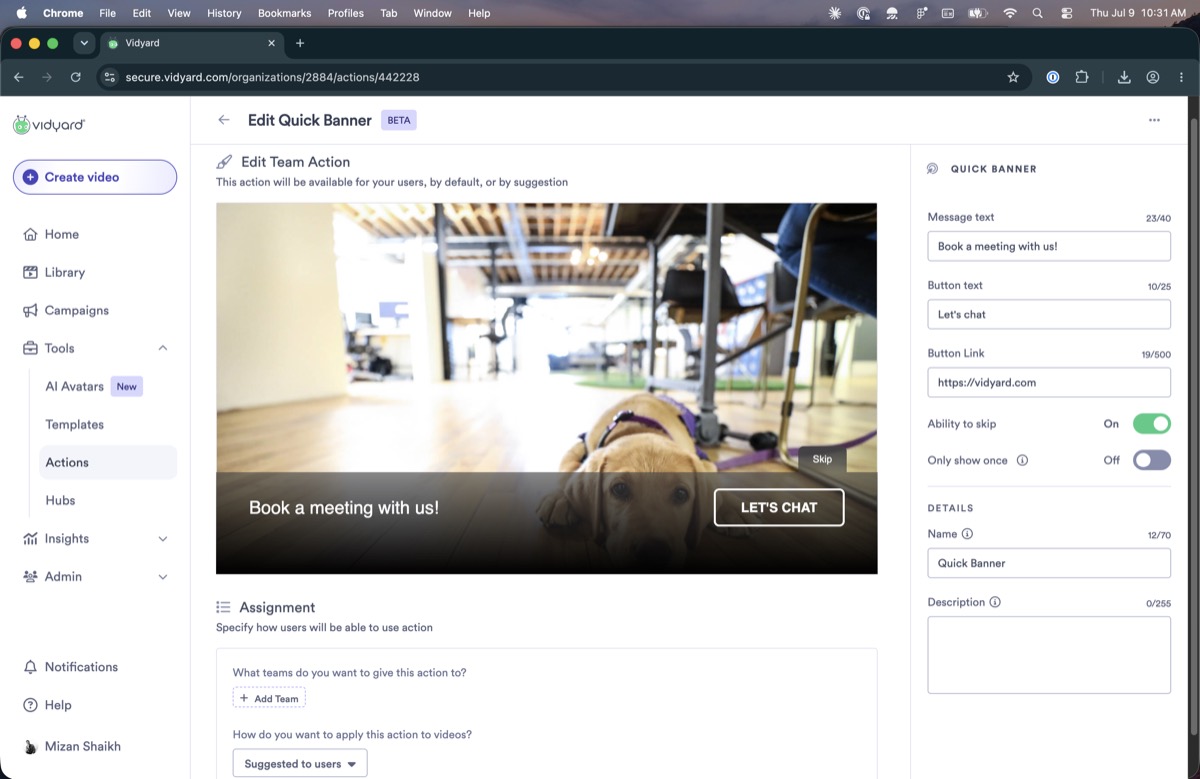
Some action previews show a blank screen while others show a stock image (here, a dog), with no indication of whether that is the real content or just a placeholder.

Naming, labels & clarity
A small, low-contrast tooltip says a default action “will appear on all videos in your folder.” It is easy to miss, and it understates the weight of turning one on for an entire folder at once.

In the team-action editor, the field for naming the action sits below all of the settings, after the fields that depend on it. The folder-action editor places it at the top instead, so the two don't match.

The email-capture action has a toggle to skip known contacts, but nothing defines who counts as a known contact or what those viewers see instead.

The editor has two buttons, “Save” and “Save and assign,” but on first look it is not clear what each one does or how they differ. They also use a button style unlike the rest of the product and look dated.

A button-link option labelled “User's calendar” reads as though “user” means the viewer, but it actually refers to your Vidyard colleagues who will use the action, though their profiles may not even be filled in. It's unclear who it applies to.

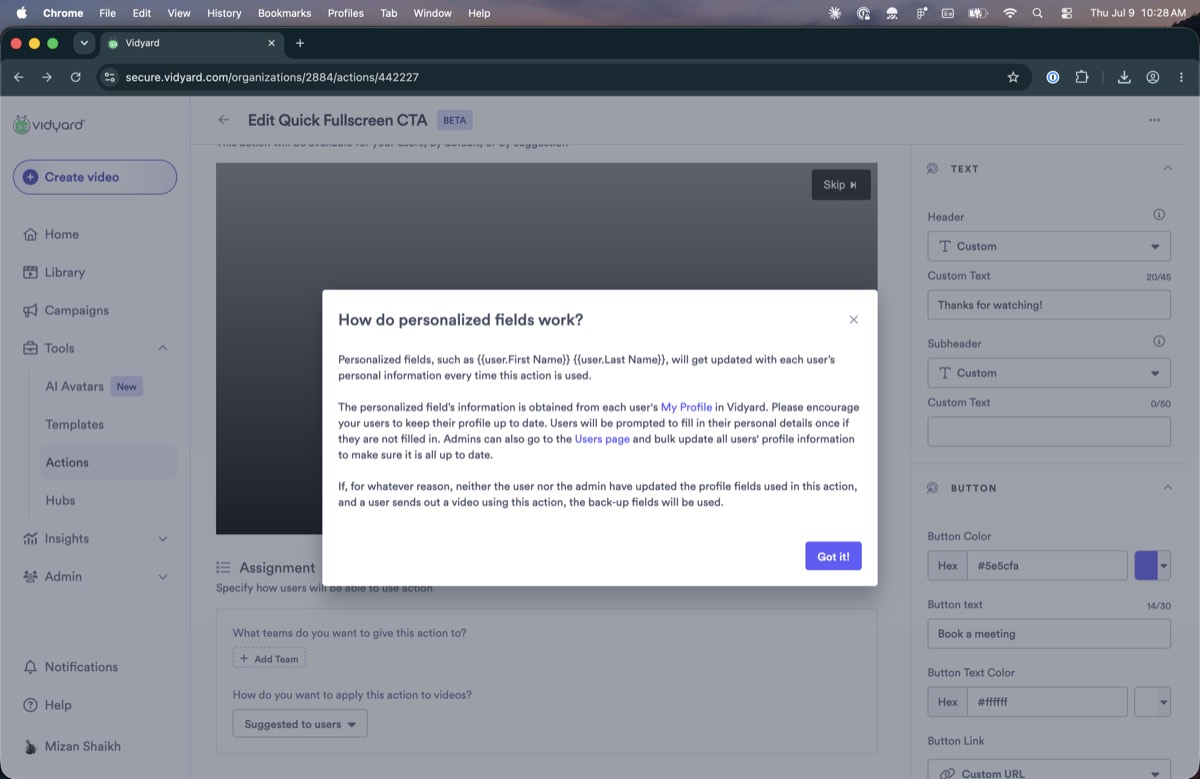
The personalized-fields setup points you to a bulk CSV upload, but it does not make clear what the file should contain or how it ensures the fields get filled.
Open questions
These couldn't be settled by using the product. They need the DRI (Todd) or the code. The first set blocks any accurate description of the model.
Precedence & inheritance
And how does the “default” flag change it? We have fragments (team > folder), not the authoritative order.
We were told yes, but a folder default locked the video and couldn't be overridden.
And does it depend on whether the folder action is a default vs. an assigned one?
“Default” is used loosely; we need to know how many default scopes exist.
Strictly via the creator's team? Can a user belong to more than one team?
Model, controls & correctness
The “shift” / “start” / “pre” controls never enabled during the session.
Is the non-working state a live bug, or unbuilt UI that shipped visible?
We tested our way to it under time pressure, so confirm against the code before relying on it.
A genuine constraint, or purely historical? This decides whether the two can be collapsed into one.
Appendix, unplaced screenshots
Screenshots I couldn't confidently slot inline, mostly bursts of the same editor, assignment, and preview screens. Numbers are gallery references only; tell me which belong where and I'll move them up. Click any to open it.